
Insight Blog
Agility’s perspectives on transforming the employee's experience throughout remote transformation using connected enterprise tools.
41 minutes reading time
(8118 words)
Best AI Avatar Generator Tools in 2026 | Our Top 6 Compared

Best AI Avatar Generator Tools in 2026 | Our Top 6 Compared
Compare the best AI avatar generator tools for training, HR, marketing, and sales. Find the right AI avatar software for your business in 2026.
Best AI Avatar Generator Tools in 2026 | Our Top 6 Compared

Creating professional videos used to mean hiring presenters, booking a studio, setting up cameras, and spending hours editing everything together.
Today, an AI avatar generator can handle much of that work for you, making it possible to create polished videos in minutes instead of days. Whether you're producing employee training, HR onboarding, sales presentations, marketing campaigns, or customer support videos, AI avatars have become a practical way to scale content without the traditional production costs.
The demand for AI-powered video creation is growing rapidly. In fact, the global AI avatar market is projected to reach approximately USD 9.72 billion by 2034, driven by businesses looking for faster, more cost-effective ways to create engaging digital content.
That growth reflects how quickly organizations are adopting AI avatars for everything from internal communications to customer-facing videos.
$9.72B
Projected Market by 2034
The global AI avatar market is projected to reach USD 9.72 billion by 2034, driven by growing demand for AI-powered training, marketing, customer support, and internal communication videos.
Source: Market Research Forecasts (AI Avatar Market, 2034)
The challenge is that there are now dozens of platforms available, and they all promise to be the best.
Some are built for enterprise training, others specialize in realistic digital humans, while a few focus on personalized sales videos or creating high-converting social media ads.
Choosing the wrong tool can mean paying for features you'll never use—or missing the ones your business actually needs.
That's exactly why we've put this guide together. We've tested and compared the best AI avatar generator platforms to help you find the right solution for your specific needs.
By the end of this article, you'll know which platform is best for training employees, creating multilingual content, producing marketing videos, building interactive AI presenters, or generating personalized sales videos.
You'll also learn the key features to compare, what each platform does best, and how to choose the one that delivers the best value for your business.
Key Takeaways
- The best AI avatar generator depends on your goals, whether that's employee training, marketing, customer support, or personalized sales videos.
- Enterprise platforms like Synthesia and Colossyan offer advanced collaboration, multilingual support, and governance features for business use.
- Tools such as D-ID and Tavus specialize in realistic digital humans and personalized video experiences that improve customer engagement.
- Free and budget-friendly options like Vidnoz provide an easy way to explore AI avatar creation before investing in premium software.
- When comparing AI avatar platforms, focus on avatar quality, voice cloning, language support, security, pricing, and scalability—not just the number of features.
What Is an AI Avatar Generator?
If you've ever wished you could create professional-looking videos without setting up a camera, hiring a presenter, or spending hours editing footage, that's exactly what an AI avatar generator is designed to do.
Think of it as having a virtual spokesperson that's available whenever you need it. You simply type your script, choose an avatar, and the software turns your words into a polished video complete with realistic speech, facial expressions, and natural lip-sync.
Many people also confuse an avatar image generator with an AI avatar generator, but they're not exactly the same thing. An avatar image generator creates a static profile picture or digital portrait, while an AI avatar generator creates a talking, animated presenter that can deliver videos just like a real person.
Today's AI avatar platforms use advanced artificial intelligence to generate realistic digital humans that can speak dozens of languages, clone voices, and even represent your own appearance. They're now widely used by businesses for employee training, marketing, product demonstrations, customer support, and sales videos.
Here are some of the technologies that power modern AI avatar generators:
AI Avatars vs. AI Video Generators
Although the terms are often used interchangeably, they're slightly different.
An AI video generator can create entire videos from text prompts, including animations, stock footage, music, and visual effects.
An AI avatar generator, on the other hand, focuses on creating a realistic digital presenter that speaks directly to your audience. In many cases, the avatar becomes the face of the video while the platform automatically adds captions, backgrounds, graphics, and transitions.
Talking Avatars
Talking avatars are digital presenters that speak naturally using AI-generated voices or your own cloned voice.
Instead of recording yourself on camera every time you need a new video, you simply update the script and let the AI generate a fresh version in minutes.
Digital Humans
Some platforms go beyond simple avatars by creating highly realistic digital humans with natural facial expressions, eye movement, gestures, and body language.
These virtual presenters are becoming increasingly popular for customer service, online education, virtual receptionists, and interactive sales experiences because they feel much more lifelike than traditional animated characters.
Voice Cloning
Many AI avatar tools now let you clone your own voice.
After recording a short sample, the platform can generate new videos that sound just like you, allowing businesses to maintain a consistent brand voice without needing to record every presentation from scratch.
Script-to-Video Technology
One of the biggest time-saving features is script-to-video generation.
Simply paste your script into the editor, choose an avatar, select a voice, and the software automatically produces a complete video with accurate lip-sync, subtitles, and professional pacing. What once took hours of filming and editing can now be completed in just a few minutes.
Personal Avatars
Personal avatars are digital versions of real people.
Most platforms allow you to upload a short video or several photos to create an AI version of yourself. Once created, your avatar can present unlimited videos without requiring you to appear on camera again.
This is especially useful for business owners, trainers, executives, and content creators who regularly produce video content.
Stock Avatars
If you don't want to create your own presenter, most AI avatar generators include large libraries of ready-made stock avatars.
These professional presenters come in different ages, ethnicities, clothing styles, and languages, making it easy to find someone who fits your brand and audience.
AI Presenters
AI presenters combine everything together into a complete virtual spokesperson.
Whether you're creating employee onboarding videos, product demonstrations, social media content, or multilingual marketing campaigns, an AI presenter can deliver your message consistently, professionally, and at a fraction of the cost of traditional video production.
As AI technology continues to improve, the gap between human presenters and AI-generated presenters is becoming increasingly difficult to spot, making an AI avatar generator one of the most valuable tools for businesses looking to create high-quality video content quickly and at scale.
How We Chose the Best AI Avatar Generators
There are dozens of AI avatar tools on the market, but not all of them deliver the same experience.
Some are built for enterprise training, while others focus on marketing, personalized sales videos, or creating simple talking avatars. Rather than listing every platform available, we focused on the ones that consistently perform well in real business scenarios.
To make this guide as useful as possible, we compared each AI avatar generator using the same set of criteria. We looked beyond marketing claims and focused on the features that actually matter when you're creating videos regularly.
Here's what we evaluated
- Avatar quality — We assessed how realistic each avatar looked, including facial expressions, lip-sync accuracy, eye contact, and natural body movements.
- Ease of use — We considered how quickly someone could create their first video without needing professional editing skills or a steep learning curve.
- Features and flexibility — We compared voice cloning, multilingual support, AI translation, templates, branding tools, collaboration features, and API integrations.
- Business use cases — Every platform was evaluated based on how well it supports common business needs such as employee training, onboarding, marketing, sales outreach, customer support, and internal communications.
- Pricing and value — Instead of looking only at the lowest price, we considered what features were included, whether a free plan was available, and whether the platform offers good value for businesses of different sizes.
- Scalability — We looked at whether the software could grow with a business, including team collaboration, security, governance, and enterprise-ready capabilities.
- Customer feedback — We also reviewed user feedback, platform updates, and overall reputation to understand how each tool performs in day-to-day use.
What you won't find in this list
We intentionally left out tools that:
- Produce inconsistent or low-quality avatars
- Haven't received meaningful updates in recent years
- Lack features needed for business use
- Offer poor value compared to stronger alternatives
- Focus primarily on entertainment rather than professional video creation
Our goal wasn't to create the biggest list—it was to recommend the platforms we'd confidently suggest to a business looking for a reliable AI avatar generator.
Whether you need multilingual training videos, personalized sales outreach, or an avatar image generator that can also create realistic talking presenters, the tools below represent some of the strongest options available today.
AI Avatar Generator
| AI Avatar Generator | Best For | Free Plan | Starting Price* | Our Rating |
| Synthesia | Enterprise training, onboarding, multilingual videos | ✅ | From $18/month | ⭐⭐⭐⭐⭐ |
| D-ID | Interactive AI avatars, digital humans, customer engagement | ✅ | From $5.90/month | ⭐⭐⭐⭐☆ |
| Colossyan | Employee training, e-learning, SCORM content | ❌ | Custom / Team pricing | ⭐⭐⭐⭐☆ |
| Creatify | UGC ads, ecommerce, performance marketing | ✅ | Paid plans available | ⭐⭐⭐⭐☆ |
| Vidnoz | Free AI avatar videos, beginners, occasional use | ✅ | Free plan available | ⭐⭐⭐⭐☆ |
| Tavus | Hyper-personalized sales and outreach videos | ❌ | Custom pricing | ⭐⭐⭐⭐⭐ |
Quick recommendations
Not every AI avatar generator is built for the same purpose.
Some platforms are designed for large businesses creating employee training videos, while others focus on marketing, personalized sales outreach, or helping beginners get started for free.
To make your decision easier, we've summarized the strengths of each platform below. If you already know what you want to achieve, this table will help you quickly identify the best option before diving into the detailed reviews.
| If you need... | Choose... |
| Best overall AI avatar generator | Synthesia |
| Most realistic interactive avatar | D-ID |
| Corporate training videos | Colossyan |
| AI marketing and UGC ads | Creatify |
| Best free AI avatar generator | Vidnoz |
| Personalized sales videos | Tavus |
*Pricing shown reflects the typical entry-level plans at the time of writing and may change over time.
Best AI Avatar Generator Tools Compared
#1. Synthesia: Best for Enterprise Training and Multilingual Content
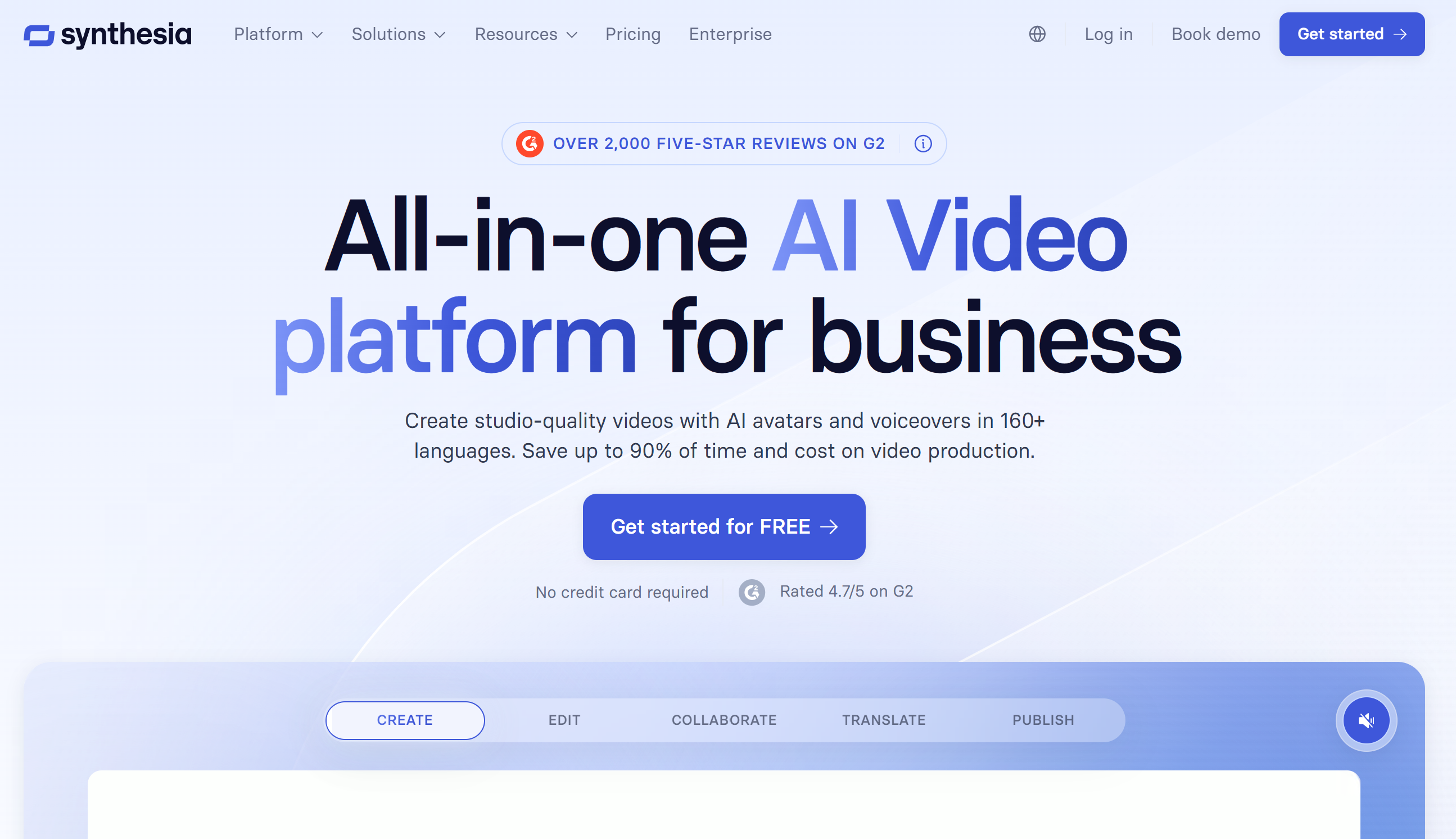
#1. Synthesia: Best for Enterprise Training and Multilingual Content
If you're looking for the best AI avatar generator for business, Synthesia is one of the first platforms you should consider. It's designed to help companies create professional videos without cameras, microphones, or expensive production teams, making it especially popular for employee training, onboarding, compliance, and internal communications.
What makes Synthesia stand out is its ability to produce polished, natural-looking videos in just a few minutes. Simply write your script, choose an AI presenter, and the platform generates a complete video with realistic lip-sync, voiceovers, subtitles, and branded visuals. For organizations operating across multiple countries, Synthesia also supports translation into more than 140 languages, allowing businesses to create localized content without having to recreate each video from scratch.
Another major advantage is flexibility. You can choose from a library of over 240 stock avatars, create a custom AI presenter using text prompts, or build a personal avatar based on your own appearance. This gives businesses complete control over how they present their brand while maintaining consistency across every video.
Because of its enterprise focus, Synthesia also includes collaboration tools, brand management, SOC 2 and GDPR compliance, and secure content management, making it suitable for organizations with strict governance requirements.
Key Features- More than 240 realistic AI avatars
- Create custom AI avatars using text prompts
- Personal avatar creation with voice cloning
- Support for 140+ languages
- AI voiceovers with natural lip-sync
- Script-to-video generation
- Brand kits and custom templates
- Team collaboration and shared workspaces
- Automatic subtitles and translations
- SOC 2 and GDPR compliant
- Screen recording and media uploads
- Enterprise security and governance controls
- Excellent avatar quality with realistic facial expressions
- One of the easiest AI video platforms to use
- Outstanding multilingual video support
- Strong collaboration features for teams
- Enterprise-grade security and compliance
- Professional templates for training and onboarding
- Fast video creation without editing experience
- More expensive than many competitors
- Limited free access compared to some alternatives
- Advanced features are reserved for higher-tier plans
- Designed primarily for business users rather than casual creators
Who Should Buy It?
Synthesia is the ideal choice if you:
- Need to create employee training videos regularly
- Produce multilingual content for global teams
- Want a professional AI avatar generator without a steep learning curve
- Need enterprise security and compliance features
- Create onboarding, HR, compliance, or internal communication videos
- Want consistent, on-brand presenters across all of your content
If you're a solo creator or only need occasional videos, there are cheaper alternatives on this list. However, for businesses that rely on high-quality training and communication videos, Synthesia remains one of the strongest all-around AI avatar platforms available today.
Our Verdict
Synthesia
Best for enterprise training and multilingual videos
4.7
/5
Price
$29/month or $18/month billed annually
Best feature
Enterprise training in multiple languages
#2. D-ID: Best for Lifelike Interactive Avatars
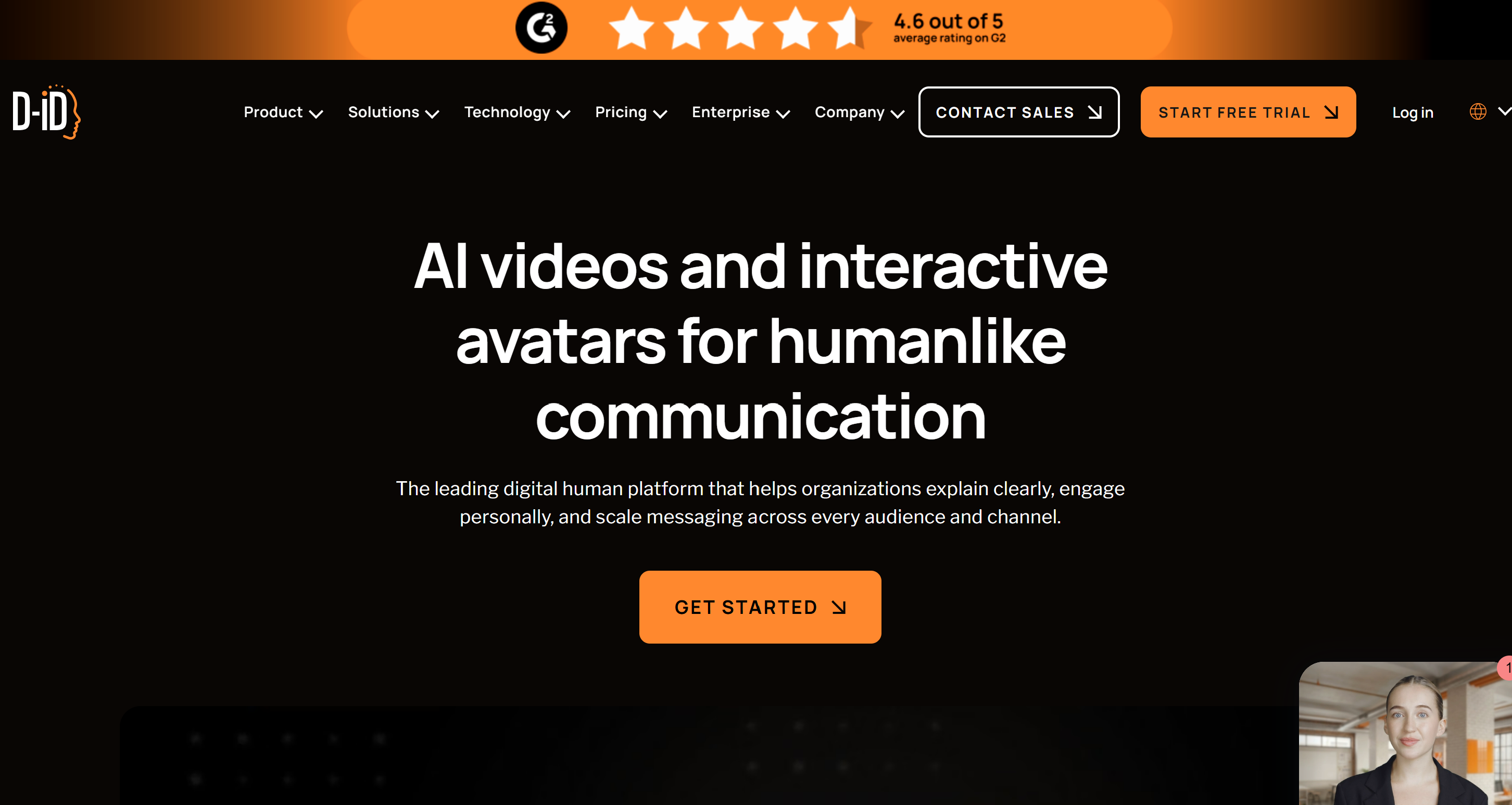
#2. D-ID: Best for Lifelike Interactive Avatars
If your goal is to build realistic digital presenters that can do more than simply read a script, D-ID is one of the strongest options available. Unlike many AI video platforms, D-ID specializes in interactive AI avatars that can power sales conversations, virtual assistants, customer support, and personalized video experiences.
You can create a personal avatar from a single photo or short video, clone your voice, and generate videos in multiple languages. Its affordable entry price also makes it an attractive choice for freelancers and small businesses.
Key Features- Interactive AI avatars
- Personal avatar creation
- Voice cloning
- Photo-to-video generation
- Multilingual support
- Real-time AI agents
- API integrations
- Highly realistic avatars
- Affordable starting price
- Easy to create personal avatars
- Supports interactive AI experiences
- Free trial available
- Fewer business templates than enterprise platforms
- Not designed primarily for corporate training
- Advanced features require paid plans
Who Should Buy It?
D-ID is a great fit for:
- Sales and customer support teams
- Businesses creating interactive AI experiences
- Content creators wanting realistic presenters
- Anyone looking for an affordable AI avatar generator with personal avatar capabilities.
Our Verdict
D-ID
Best for interactive AI avatars and digital humans
4.8
/5
Price
From $5.90/month
Best feature
Interactive AI avatars with voice cloning
#3. Colossyan: Best for Structured Training and Education
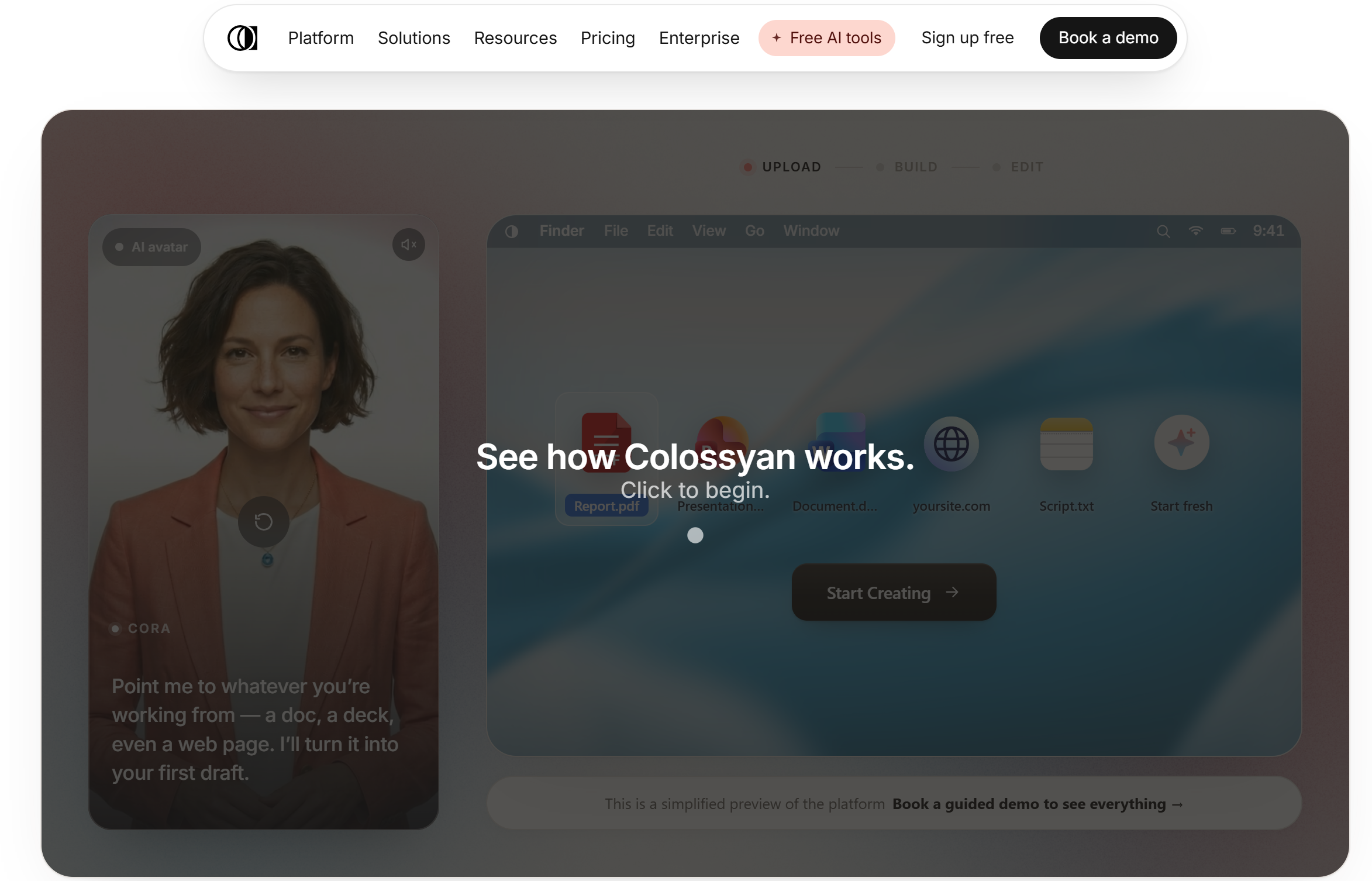
#3. Colossyan: Best for Structured Training and Education
If your business creates employee training, onboarding, or compliance content on a regular basis, Colossyan is one of the best platforms to consider. Unlike many AI video tools that focus on marketing, Colossyan is built specifically for learning and development teams.
It makes it easy to turn written training materials into engaging video lessons using realistic AI presenters. Features like quizzes, branching scenarios, and SCORM export help organizations create interactive courses that work seamlessly with most learning management systems (LMS).
Key Features- AI avatars for training videos
- Interactive quizzes and branching scenarios
- SCORM export
- Learning management system (LMS) integration
- Team collaboration tools
- Ready-made training templates
- Multiple languages and AI voiceovers
- Designed specifically for corporate learning
- Excellent onboarding and compliance features
- Supports SCORM for LMS platforms
- Easy to create interactive training content
- Strong collaboration tools for teams
- Less suitable for marketing videos
- Smaller avatar library than some competitors
- Enterprise features require higher-tier plans
Who Should Buy It?
Colossyan is ideal for:
- HR and Learning & Development teams
- Employee onboarding
- Compliance and safety training
- Educational institutions
- Businesses looking for an AI avatar generator built for structured learning rather than marketing.
Our Verdict
Colossyan
Best for employee training and eLearning videos
4.7
/5
Price
Custom pricing
Best feature
SCORM-ready AI training videos
#4. Creatify: Best for Performance Marketing and UGC Ads
If you're creating ads instead of training videos, Creatify is one of the best AI avatar platforms available. It's designed for marketers who need to produce large volumes of high-converting video ads quickly.
Simply enter a product URL, and Creatify generates multiple UGC-style videos featuring different AI avatars, scripts, and messaging angles. This makes it easy to test different creatives across platforms like TikTok, Instagram, Facebook, and YouTube without filming new content.
Key Features- AI-generated UGC-style video ads
- Product URL to video generation
- Library of 1,500+ AI avatars
- Multiple ad variations for A/B testing
- Social media-ready templates
- AI voiceovers and script generation
- One-click video exports
- Built specifically for marketers
- Quickly creates multiple ad variations
- Large selection of AI avatars
- Ideal for ecommerce brands
- Simple and beginner-friendly interface
- Limited features for employee training
- Less suitable for long-form educational videos
- Advanced features require a paid subscription
Who Should Buy It?
Creatify is a great choice for:
- Ecommerce businesses
- Digital marketing agencies
- Performance marketers
- Social media teams
- Brands looking for an AI avatar generator that can quickly produce engaging advertising videos and UGC-style content.
Our Verdict
Creatify
Best for AI UGC ads and ecommerce marketing
4.8
/5
Price
From $39/month
Best feature
Generate UGC ads from a product URL
#5. Vidnoz: Best Free AI Avatar Video Generator
If you're new to AI video creation or don't want to pay for a subscription right away, Vidnoz is an excellent place to start. It offers one of the most generous free plans available, making it easy to test an AI avatar generator before investing in a premium platform.
Creating a video is simple—enter your script, choose an avatar, select a voice, and the platform generates a talking presenter in just a few minutes.
While the free version includes watermarks and daily usage limits, it's more than enough for testing ideas or creating occasional content.
Key Features- Free AI avatar video generation
- Talking AI avatars
- Large library of stock avatars
- AI voiceovers in multiple languages
- Text-to-video workflow
- Ready-made video templates
- Browser-based editor
- Generous free plan
- Easy to use for beginners
- Fast video creation
- Good selection of avatars
- No video editing experience required
- Watermarks on the free plan
- Daily credit limits
- Fewer advanced business features
- Avatar quality isn't as realistic as premium platforms
Who Should Buy It?
Vidnoz is ideal for:
- Beginners exploring AI video creation
- Small businesses on a budget
- Content creators making occasional videos
- Freelancers testing different platforms
- Anyone looking for a free AI avatar generator before upgrading to a more advanced solution
Our Verdict
Vidnoz AI
Best free AI avatar video generator
4.9
/5
Price
Free plan; paid from $14.99/month
Best feature
Free avatar videos and ready-made templates
#6. Tavus: Best for Hyper-Personalized Sales Videos
If your goal is to increase engagement with personalized outreach, Tavus is one of the most powerful AI avatar platforms available. Rather than creating generic videos, it generates personalized content for every recipient, making it a popular choice for sales teams and customer success professionals.
Using AI, Tavus can automatically customize videos with details like a prospect's name, company, or other dynamic information.
This allows businesses to send thousands of personalized videos at scale without recording each one individually. Its API also makes it easy to integrate personalized video into CRM systems and automated workflows.
Key Features- AI-powered personalized video generation
- Dynamic content personalization
- Personal AI avatars
- Voice cloning
- API integrations
- CRM and workflow automation
- Scalable video creation
- Excellent for personalized sales outreach
- Creates videos at scale
- Powerful API for automation
- High-quality AI avatars
- Saves significant recording time
- Not designed for general marketing or training
- Custom pricing may not suit smaller businesses
- Requires setup for automated workflows
Who Should Buy It?
Tavus is the best choice for:
- Sales teams
- Customer success teams
- Account-based marketing (ABM)
- Businesses automating personalized outreach
- Organizations looking for an AI avatar generator that delivers one-to-one video experiences at scale
Our Verdict
Tavus
Best for personalized sales and conversational video
4.5
/5
Price
Free plan; Starter from $59/month
Best feature
Personalized and real-time conversational videos
AI Avatar Generator Feature Comparison
Now that you've seen each platform individually, it's easier to compare them side by side.
While every tool can generate AI-powered videos, they each target a different audience. Some are designed for enterprise learning, others excel at creating personalized sales videos, while a few are better suited for marketing campaigns or beginners looking for a free AI avatar video generator.
The comparison below highlights the features that matter most when choosing an AI avatar generator for business, including voice cloning, multilingual support, interactive avatars, collaboration tools, and enterprise security.
If you're looking for the best AI avatar creator or an AI talking avatar generator that matches your workflow, this table should help you narrow down your options quickly.
| Feature | Synthesia | D-ID | Colossyan | Creatify | Vidnoz | Tavus |
| Avatar Quality | ⭐⭐⭐⭐⭐ | ⭐⭐⭐⭐⭐ | ⭐⭐⭐⭐☆ | ⭐⭐⭐⭐☆ | ⭐⭐⭐⭐☆ | ⭐⭐⭐⭐⭐ |
| Voice Cloning | ✅ | ✅ | ✅ | Limited | Limited | ✅ |
| AI Translation | ✅ 140+ Languages | ✅ | ✅ | ❌ | Limited | ❌ |
| Interactive AI Avatars | ❌ | ✅ | ❌ | ❌ | ❌ | Limited |
| Personal Avatar Creation | ✅ | ✅ | Limited | ❌ | Limited | ❌ |
| Stock Avatar Library | 240+ | Large Library | Good Selection | 1,500+ | Large Library | Limited |
| Video Templates | ✅ | ✅ | ✅ | ✅ | ✅ | Limited |
| API Access | ✅ | ✅ | ✅ | Limited | ❌ | ✅ |
| SCORM Export | ❌ | ❌ | ✅ | ❌ | ❌ | ❌ |
| Enterprise Security | ⭐⭐⭐⭐⭐ | ⭐⭐⭐⭐☆ | ⭐⭐⭐⭐⭐ | ⭐⭐⭐☆☆ | ⭐⭐⭐☆☆ | ⭐⭐⭐⭐☆ |
| Team Collaboration | ✅ | ✅ | ✅ | ✅ | Limited | ✅ |
| Free Plan | ❌ | Trial | ❌ | Limited | ✅ | ❌ |
Which AI Avatar Platform Should You Choose?
Every platform has its own strengths, so the best choice depends on how you plan to use it.
- Choose Synthesia if you need the best AI avatar generator for employee training, multilingual videos, and enterprise communications.
- Choose D-ID if you want realistic digital humans or an AI talking avatar generator for customer engagement and interactive experiences.
- Choose Colossyan if you're building online courses, compliance training, or onboarding content with SCORM support.
- Choose Creatify if your focus is creating UGC-style advertising and high-converting social media videos.
- Choose Vidnoz if you're looking for a free AI avatar creator to test ideas before upgrading.
- Choose Tavus if you need personalized AI videos for sales outreach, customer engagement, or CRM automation.
If you're still unsure, start by identifying your primary goal. A business creating multilingual training videos has very different requirements from a marketing team producing TikTok ads or a sales team sending personalized outreach.
Choosing an AI avatar generator for business that matches your workflow will save time, reduce production costs, and help you create more engaging videos.
How to Choose the Best AI Avatar Generator
With so many platforms available, choosing the right AI avatar generator can feel overwhelming.
The good news is that you don't need the platform with the most features—you need the one that fits the way you create videos.
Some tools are built for employee training, while others focus on marketing, sales outreach, or social media content. Before subscribing, think about how you'll actually use the software and which features will save you the most time.
Here are the most important factors to consider.
1. Your Primary Use Case
Start by asking yourself what kind of videos you'll create most often. This will quickly narrow down your options.
For example:
- Employee training and onboarding — Look for platforms like Synthesia or Colossyan that support multilingual content, collaboration, and compliance.
- Marketing videos — Choose software designed for promotional content and product videos.
- Sales outreach — Look for AI avatar tools that support personalized video generation and CRM integrations.
- Customer support — Interactive avatars can provide virtual assistance and answer common questions.
- Social media content — Prioritize fast video creation, templates, and vertical video formats for platforms like TikTok, Instagram, and YouTube Shorts.
2. Avatar Quality
Not every avatar looks equally realistic. If your videos represent your brand, presentation quality matters.
When comparing platforms, look for:
- Natural facial expressions
- Accurate lip-sync
- Realistic eye movement
- Natural body language
- Smooth voice synchronization
- High-quality video output
The more realistic the avatar, the more engaging and professional your videos will appear.
3. Language Support
If your audience speaks multiple languages, this can become one of the most valuable features.
A good AI avatar generator for business should include:
- AI translation
- Multiple language support
- Voice localization
- Natural pronunciation
- Local accents where available
- Automatic subtitles
This allows you to create one video and publish it for audiences around the world without recording multiple versions.
4. Security and Compliance
Businesses handling employee information or customer data should never overlook security.
Look for platforms that offer:
- SOC 2 compliance
- GDPR compliance
- Secure cloud storage
- Data privacy controls
- Enterprise permissions
- User management and governance
These features become especially important for HR, healthcare, finance, and enterprise organizations.
5. Ease of Use
The best software is the one your team can start using immediately.
Consider whether the platform includes:
- Ready-made templates
- Brand kits and logos
- Simple drag-and-drop editing
- AI script generation
- Automation tools
- An easy learning curve
A user-friendly platform means you'll spend less time learning the software and more time creating videos.
6. Pricing and Overall Value
Finally, compare what you're getting for your money. The cheapest option isn't always the best value, especially if you need advanced business features.
Before choosing a platform, compare:
- Monthly or annual subscription costs
- Free plans or trial availability
- Video generation limits
- Credit-based pricing
- Enterprise licensing
- Included features versus paid upgrades
If you only create a few videos each month, a free or entry-level plan may be enough. However, businesses producing training, onboarding, or marketing content regularly will often benefit from investing in a platform with better collaboration, security, and automation features.
Choosing the right AI avatar generator ultimately comes down to your goals. By focusing on your use case, avatar quality, language support, security, ease of use, and pricing, you'll be able to find a solution that not only fits your budget but also helps you create professional videos faster and more efficiently.
Benefits of Using AI Avatar Software
Creating professional videos has traditionally been expensive and time-consuming.
You needed cameras, lighting, editing software, presenters, and often an entire production team. With today's AI generator platforms, much of that process is automated, allowing businesses to produce high-quality videos in a fraction of the time.
Whether you're creating training materials, marketing campaigns, product demonstrations, or customer support content, AI avatars can help you scale video production while keeping costs under control. Here are some of the biggest benefits.
Faster Video Production
One of the biggest advantages of using an AI avatar generator is speed.
Instead of spending hours filming and editing, you simply write your script, choose an avatar, and generate a professional video in minutes. This allows marketing teams, HR departments, and content creators to publish videos much faster than traditional production methods.
Benefits include:
- Create videos in minutes
- No filming schedules
- Faster content updates
- Quicker campaign launches
- Reduced editing time
Lower Production Costs
Hiring presenters, renting equipment, and outsourcing video editing can quickly become expensive.
An AI avatar platform removes many of these costs by handling video production automatically, making it a cost-effective solution for businesses that create content regularly.
You can reduce spending on:
- Video production crews
- Studio rental
- Camera equipment
- Professional presenters
- Video editing services
- Multiple reshoots
Consistent Branding
Maintaining a consistent look across every video helps strengthen your brand.
Many AI avatar platforms allow you to use the same presenter, company colors, fonts, logos, and templates across all of your content, ensuring every video feels professional and recognizable.
This is especially valuable for:
- Employee onboarding
- Product demonstrations
- Internal communications
- Marketing campaigns
- Customer education
Create Multilingual Content Easily
If your business serves customers or employees in different countries, AI avatars can save countless hours.
Many platforms automatically translate scripts and generate videos in dozens of languages while keeping the same presenter and synchronized lip movements.
This makes it much easier to:
- Reach global audiences
- Train international employees
- Localize marketing campaigns
- Deliver multilingual customer support
No Camera or Studio Required
Not everyone is comfortable speaking on camera, and not every business has access to professional recording equipment.
With an AI avatar generator, you don't need cameras, microphones, lighting, or a studio. Everything is created digitally, allowing anyone to produce professional-looking videos from a laptop.
This is ideal for:
- Small businesses
- Remote teams
- Solo creators
- Startups
- Marketing departments
Easier to Update Existing Videos
Business information changes all the time. Policies get updated, products evolve, and pricing changes.
Instead of recording an entirely new video, you simply edit the script and regenerate the presentation. This makes it much easier to keep training materials, onboarding videos, and customer guides up to date.
Scale Content Creation
As your business grows, so does the demand for video content.
Whether you need ten videos or one thousand, AI avatar software makes it possible to produce content at scale without increasing your production team.
Many platforms also include collaboration tools, templates, and automation features that help teams create videos more efficiently.
This makes AI avatar software an excellent investment for organizations that regularly produce:
- Employee training videos
- Sales presentations
- Marketing campaigns
- Product demonstrations
- Customer onboarding
- Internal announcements
- Knowledge base videos
By choosing the right generator, businesses can save time, reduce production costs, maintain consistent branding, and create professional video content at a scale that would be difficult and expensive using traditional video production methods.
Limitations of AI Digital Human Software
While modern AI video platforms have improved dramatically over the past few years, they aren't perfect.
Before investing in an AI virtual presenter platform, it's important to understand a few limitations that could affect your workflow, budget, or the type of content you plan to produce.
Knowing these trade-offs will help you choose software that matches your expectations and business needs.
Realism Still Varies Between Platforms
Not every digital presenter looks or behaves the same.
Some platforms produce highly natural facial expressions and smooth lip movements, while others can still appear robotic during longer videos.
Before committing to a subscription, generate a few sample videos and pay attention to:
- Facial expressions
- Eye movement
- Gesture quality
- Lip-sync accuracy
- Overall video realism
Higher-quality platforms generally deliver a more natural viewing experience, especially for customer-facing content.
Synthetic Voices Can Sound Different
Although AI speech has become much more natural, the quality still varies depending on the provider and language.
Some voices sound almost identical to a real person, while others may lack emotion or natural pacing.
When comparing platforms, listen for:
- Natural pronunciation
- Speaking rhythm
- Emotional tone
- Accent support
- Language accuracy
If voice quality is critical, look for software that offers premium AI narration or supports custom voice models.
Responsible Use Matters
As AI-generated presenters become more convincing, businesses should use them responsibly.
Being transparent about using AI-generated content helps build trust with employees, customers, and partners. Many organizations also create internal policies covering how AI-generated videos can be produced and distributed.
Good practices include:
- Clearly identifying AI-generated content when appropriate
- Obtaining permission before creating a person's digital likeness
- Following company AI usage policies
- Protecting personal data during avatar creation
Misuse Can Damage Trust
The same technology used to create helpful training or marketing videos can also be misused to create misleading content.
For this reason, reputable platforms include identity verification, consent requirements, and security controls before allowing users to create custom digital presenters.
Choosing vendors with strong governance policies helps reduce these risks.
Commercial Usage Rights Differ
Not every platform gives you the same rights to use the videos you create.
Before purchasing a plan, review:
- Commercial usage rights
- Brand licensing
- Stock presenter restrictions
- Music and media licensing
- Export limitations
Understanding these terms can help you avoid unexpected licensing issues later.
Cloud-Based Platforms Require an Internet Connection
Most AI-powered video creation platforms operate entirely in the cloud.
That means you'll typically need a reliable internet connection to:
- Generate videos
- Edit projects
- Upload media
- Access templates
- Save completed work
If your team frequently works offline or in locations with limited connectivity, this may be something to consider.
Although these limitations are worth keeping in mind, they rarely outweigh the advantages for most businesses. Today's AI spokesperson software and digital human platforms continue to improve with every update, offering more realistic avatars, better speech quality, and faster video generation than ever before. The key is selecting a platform that aligns with your goals, budget, and content strategy rather than simply choosing the one with the longest feature list.
Final Thoughts on Choosing the Best Workplace Operations Platform
AI-powered video creation has come a long way, giving businesses of all sizes an easier way to produce professional content without the time and cost of traditional video production.
Whether you're creating employee training, onboarding materials, product demonstrations, marketing campaigns, or personalized sales outreach, there's now a platform built specifically for that purpose.
The key is choosing software that matches your goals rather than simply selecting the platform with the longest list of features. Consider how often you'll create videos, who your audience is, whether you need multilingual support, and if features like voice cloning, collaboration, or API integrations are important to your workflow.
If you need an all-round business solution, Synthesia is our top recommendation. For interactive digital humans, D-ID is an excellent choice. Colossyan stands out for learning and development teams, Creatify is ideal for marketers, Vidnoz offers one of the best free ways to get started, and Tavus excels at personalized sales videos.
As AI continues to evolve, these platforms will only become more realistic, more powerful, and easier to use. Investing in the right solution today can help your business save time, reduce production costs, and create engaging video content that keeps employees, customers, and prospects coming back for more.
FAQ on Workplace Operations Platform
What is the best AI avatar generator?
The best AI avatar generator depends on how you plan to use it.
- Synthesia is our top recommendation for employee training, onboarding, and multilingual business videos.
- D-ID is ideal for interactive AI avatars and digital humans.
- Colossyan is best for corporate learning and SCORM-compatible training.
- Creatify excels at AI-generated marketing and UGC ads.
- Vidnoz is one of the best free AI avatar generators for beginners.
- Tavus is the strongest choice for personalized sales videos and customer engagement.
Independent reviews and user discussions consistently place Synthesia, D-ID, Colossyan, and Vidnoz among the leading platforms, with each excelling in different use cases.
Which AI avatar generator is free?
If you're looking for a free AI avatar generator, there are several good options.
Vidnoz offers one of the most generous free plans for creating talking avatar videos. D-ID provides a free trial with limited exports, while Synthesia also includes limited free avatar generation so users can test the platform before upgrading.
For businesses producing videos regularly, upgrading to a paid plan usually unlocks higher-quality avatars, commercial usage rights, voice cloning, and longer video exports.
Can AI avatars clone my voice?
Yes. Most modern AI avatar software supports voice cloning.
Platforms such as Synthesia, D-ID, and Tavus let you create a digital version of your own voice after completing identity verification and consent requirements. This allows your AI presenter to sound like you without recording every new video.
Most reputable vendors also require explicit consent before creating voice or avatar clones to reduce misuse and protect user privacy.
Which AI avatar generator supports multiple languages?
If multilingual content is important, Synthesia is one of the strongest options, supporting more than 140 languages for AI-generated presenters. D-ID and Colossyan also offer multilingual voiceovers and translation capabilities, making them suitable for international businesses and distributed teams.
Are AI avatars suitable for business training?
Absolutely.
Many organizations now use AI training video software to create:
- Employee onboarding
- Compliance training
- HR updates
- Health and safety courses
- Product education
- Internal communications
Platforms like Synthesia and Colossyan are designed specifically for learning and development teams, offering features such as SCORM export, collaboration tools, and multilingual content creation.
Can I create an AI avatar from my own photo?
Yes.
Several platforms allow you to upload a single photo or short video to create a personal AI presenter. Once verified, your avatar can deliver unlimited presentations using different scripts, voices, clothing, and virtual backgrounds.
Most providers require a consent video before creating a personal avatar to prevent identity misuse.
What's the difference between an AI avatar generator and an AI video generator?
Although they're often grouped together, they serve different purposes.
An AI avatar generator focuses on creating realistic digital presenters that speak directly to your audience using AI-generated voices and lip-sync.
An AI video generator creates entire videos from text prompts, often combining animations, stock footage, music, transitions, and AI-generated visuals.
If you want a virtual presenter or digital spokesperson, an AI avatar platform is usually the better choice.
Which AI avatar software is best for sales videos?
For personalized sales outreach, Tavus stands out because it generates customized videos for each prospect using dynamic information such as names, companies, or CRM data.
If your goal is advertising rather than one-to-one outreach, Creatify is a better option because it's designed to generate high-performing UGC-style marketing videos from product URLs.
Reddit users also commonly distinguish Tavus as a conversational AI platform, while Synthesia is recommended for enterprise training and D-ID for interactive avatar experiences
AI Summary
- An AI avatar generator allows businesses and creators to produce professional videos using realistic digital presenters without cameras, studios, or traditional video production equipment.
- The best AI avatar platforms support a range of use cases, including employee training, onboarding, multilingual content, sales outreach, marketing campaigns, customer support, and social media videos.
- Choosing the right platform depends on your goals, whether you need enterprise collaboration, interactive digital humans, personalized video generation, or a free solution for getting started.
- Synthesia, D-ID, Colossyan, Creatify, Vidnoz, and Tavus each offer unique strengths, from corporate learning and AI-powered training to performance marketing and personalized customer engagement.
- Features such as voice cloning, multilingual support, custom avatars, AI translation, collaboration tools, API integrations, and enterprise security can significantly improve productivity and reduce video production costs.
- Investing in the right AI avatar software helps organizations create engaging content faster, maintain consistent branding, and scale video creation without increasing production resources.
Most Popular Posts

Effective communication among team members is vital for the productivity and success of any organization. Surprisingly, 60% of companies lack a long-term internal communication strategy, which p...


Businesses thrive on communication for efficiency, productivity and accomplishment. When the right information is passed from the right designation in the organization, it promotes positivity an...

Categories
Blog
(3258)
Business Management
(399)
Employee Engagement
(237)
Digital Transformation
(226)
Growth
(152)
Intranets
(142)
Internal communications
(111)
Remote Work
(68)
Sales
(53)
Collaboration
(53)
Customer Experience
(34)
Culture
(30)
Project management
(30)
Knowledge Management
(29)
Leadership
(20)
Comparisons
(9)
News
(1)

Related Posts

How much time does your team spend turning a simple company update into something employees will actually read? AI for internal communications can help you move from rough notes to a clear announcement, newsletter or leadership message, with mo...

What is a case management system, and could it save your team from chasing emails, missing updates, and wondering who's handling what? Imagine a customer complaint or employee enquiry lands in your inbox. Before you can sort it out, you're alre...

AI-assisted software development is rapidly changing how modern businesses build software, and it's happening much faster than many companies expected. From AI coding tools that generate code suggestions in seconds to intelligent testing automation a...

In-house marketing vs agency—where should you put your budget to give your business the best chance of growth? Hiring your own marketer can bring valuable brand knowledge into the business. Working with an agency can give you access to specialist ski...

Are you juggling everything in your business—but struggling to stay on top of your finances? You're not alone. Over 60% of solo entrepreneurs admit they don't feel confident managing their business finances, according to recent surveys. And hon...


Jill Romford
I am a digital nomad, lover of exploring new places and making friends.
I love to travel and I love the internet. I take pictures of my travels and share them on the internet using Instagram.
Traveler, entrepreneur, and community builder. I share my insights on digital marketing and social media while inspiring you to live your fullest life.
Ready to learn more? 👍
One platform to optimize, manage and track all of your teams. Your new digital workplace is a click away. 🚀
Free for 14 days, no credit card required.