
Insight Blog
Agility’s perspectives on transforming the employee's experience throughout remote transformation using connected enterprise tools.
25 minutes reading time
(4950 words)
How AI Is Transforming In-Person Meetings and Workshops: Our 5 Top Tool Picks for 2026

How AI Is Transforming In-Person Meetings and Workshops: Our 5 Top Tool Picks for 2026
Discover 5 AI tools for in-person meetings and workshops in 2026, including Bluedot, Plaud, Miro, Otter and Fireflies, and see which fits your team.
How AI Is Transforming In-Person Meetings and Workshops: Our 5 Top Tool Picks for 2026

AI meeting assistants aren't just for Zoom and Microsoft Teams calls anymore.
In 2026, AI tools for in-person meetings ar becoming popular and are increasingly useful for capturing face-to-face conversations, creating meeting notes, generating transcripts and turning discussions into summaries and action items without someone spending the entire session taking notes.
The problem they're solving is surprisingly familiar.
A team finishes an important workshop with handwritten notes scattered across notebooks, photos of a whiteboard, half-remembered decisions and no reliable record of who agreed to do what.
2 min
between interruptions
According to the Microsoft 2025 Work Trend Index, employees are interrupted by a meeting, email or notification every two minutes on average, highlighting just how fragmented the modern working day has become.
Source: Microsoft 2025 Work Trend Index
An AI meeting recorder or AI note taker can help turn those conversations into searchable meeting documentation that employees can revisit after everyone leaves the room.
Research is also exploring how generative AI can reduce the manual effort involved in documenting meetings, although organisations still need to consider accuracy, privacy and how AI-generated meeting summaries are reviewed.
In this guide, we're focusing on just five tools: Bluedot, Plaud, Miro, Otter and Fireflies.
We'll compare how each supports in-person meeting transcription, AI meeting notes, workshop collaboration and hybrid meetings, so you can see which approach makes the most sense for your team.
Why are meetings still such a challenge in 2026?
Despite better workplace technology, meetings haven't suddenly become easier.
Teams now move between offices, meeting rooms, workshops, video calls and hybrid sessions, which means important conversations can end up scattered across different places with no consistent record of what was actually decided.
One of the biggest problems is still meeting documentation. Someone has to take notes while also trying to contribute to the discussion. If they miss something, the team may leave with different interpretations of the same conversation.
This creates several common problems:
- Important decisions aren't properly recorded.
- Action items are agreed but never followed up.
- Employees spend time manually writing and organising meeting notes.
- People who couldn't attend have little context beyond a short summary.
- Workshop ideas remain on whiteboards, sticky notes or personal notebooks.
- Teams struggle to find information from meetings weeks or months later.
- Hybrid participants can have a very different experience from people physically in the room.
There's also the problem of meeting overload. Microsoft research has previously highlighted how fragmented the working day has become, with employees juggling meetings, messages, emails and other interruptions.
Adding more meetings doesn't necessarily create better collaboration if employees then have to spend additional time documenting and communicating what happened.
The information often disappears when the meeting ends
This is particularly important for in-person meetings and workshops.
Imagine eight managers spending two hours discussing a new project. They make several decisions, identify risks and assign responsibilities. One person takes handwritten notes, another photographs the whiteboard, and everyone else leaves with their own understanding of what was agreed.
A week later, someone asks, "Did we actually agree to do that?"
Now the team has to reconstruct the conversation.
This is where AI meeting assistants, AI note takers and meeting transcription tools are becoming useful. Instead of relying entirely on memory or handwritten notes, teams can capture conversations, generate transcripts, create meeting summaries and extract action items automatically.
But there's an important catch: capturing more information doesn't automatically make meetings better.
Businesses still need to consider transcription accuracy, speaker identification, employee privacy, recording consent, data security and AI-generated errors. An AI meeting summary can save considerable time, but important decisions should still be checked by a person before becoming the official record.
The opportunity in 2026 isn't simply to record every conversation. It's to use AI meeting tools selectively so useful discussions become organised, searchable and actionable knowledge rather than information that disappears as soon as everyone leaves the room.
Key Takeaways
- AI tools for in-person meetings can turn face-to-face conversations into transcripts, meeting summaries, action items, and searchable notes without relying entirely on manual note-taking.
- Different tools solve different problems: Bluedot supports bot-free meeting capture, Plaud uses dedicated recording hardware, Otter focuses on live transcription, Fireflies supports hybrid meeting workflows, and Miro is designed around visual collaboration.
- AI can make meeting documentation easier, but background noise, overlapping speakers, room acoustics, and microphone placement can affect transcription accuracy and speaker identification.
- For workshops, capturing visual ideas can be just as important as recording conversations, making collaborative tools useful alongside traditional AI meeting assistants.
- Businesses should consider consent, privacy, confidential information, data retention, and human review before using AI-generated meeting notes as an official record.
- The best AI meeting tool depends on the problem you're trying to solve, whether that's live transcription, automatic note-taking, workshop collaboration, physical recording, or managing knowledge across online and in-person meetings.
How is AI actually changing in-person meetings?
For years, most AI meeting tools were designed around virtual calls. They could join a Zoom or Microsoft Teams meeting, create a transcript and produce a summary afterwards. In-person meetings are different because there isn't always a clean digital audio feed or a meeting bot sitting on the call.
That's starting to change. Modern AI tools for in-person meetings can use smartphones, dedicated recording devices and meeting room technology to capture face-to-face conversations and turn them into useful information.
The process typically looks something like this:
Conversation → recording → AI transcription → meeting summary → decisions → action items → searchable knowledge
That's the real value of an AI meeting assistant. Instead of a useful discussion disappearing once everyone leaves the room, AI can create meeting notes, identify key points, highlight decisions and generate follow-up tasks. Those records can then be shared with colleagues or added to a company's wider knowledge base.
For workshops, the possibilities go further. AI tools for workshops can help teams capture brainstorming sessions, organise ideas, summarise discussions and turn visual collaboration into something employees can revisit later.
There are limitations, though. In-person meeting transcription has to deal with background noise, people talking over one another, different accents and several participants being picked up by the same microphone. This can make speaker identification and transcription accuracy more difficult than during an online meeting where each participant has a separate audio stream.
So, AI isn't removing the need for people to pay attention or check important decisions. It's making meeting documentation, knowledge capture and post-meeting follow-up much easier to manage.
AI Meeting Workflow
From conversation to searchable knowledge
AI meeting tools can turn a live discussion into structured information that teams can review, share and act on afterwards.
1
Conversation
People meet, discuss ideas and make decisions.
2
Recording
Audio is captured using a phone, computer or recording device.
3
AI Transcription
AI converts the spoken conversation into searchable text.
4
Meeting Summary
Key themes, discussion points and outcomes are condensed.
5
Decisions
Important agreements and conclusions are highlighted.
6
Action Items
Tasks, owners and follow-up activities can be identified.
7
Searchable Knowledge
Meeting information becomes easier to find and reuse later.
Conversation → recording → AI transcription → meeting summary → decisions → action items → searchable knowledge
5 best AI tools for in-person meetings and workshops in 2026
The best AI tools for in-person meetings aren't all trying to solve the same problem.
Some act as an AI note taker, recording conversations and automatically producing transcripts and meeting summaries. Others are better suited to workshops, visual collaboration or capturing discussions in larger physical spaces.
That's why we've kept this list focused on five tools with noticeably different strengths: Bluedot, Plaud, Miro, Otter and Fireflies.
For example, a consultant running small face-to-face meetings may want a simple way to record conversations without introducing a meeting bot. A team running a strategy workshop might care more about capturing ideas and organising a visual brainstorming session.
Someone attending a conference may need dedicated recording hardware that doesn't rely entirely on a laptop.
The table below gives you a quick comparison before we look at where each AI meeting assistant fits.
| Tool | How it records | Best for | Free plan | Paid from |
| Bluedot | Phone, Apple Watch, desktop | Bot-free in-person and online meetings | 5 recordings (lifetime) | $14/user/mo |
| Plaud | Dedicated hardware recorder | Large rooms and conferences | 300 min/mo (device required) | $159 device + ~$8/mo |
| Miro | Desktop, browser | Visual workshops and planning sessions | 3 editable boards | $8/user/mo |
| Otter | Phone app | Live transcription during a session | 300 min/mo, 3 imports | $8.33/user/mo |
| Fireflies | Phone app, bot for online calls | Teams meeting online and in person | 800 min storage | $10/user/mo |
There isn't a single winner for every situation.
The right choice depends on whether you need in-person meeting transcription, automatic meeting notes, live transcription, workshop collaboration or a system that works across both physical and virtual meetings.
We'll start with Bluedot, which takes an interesting approach by allowing teams to capture meetings without needing a bot to join the conversation.
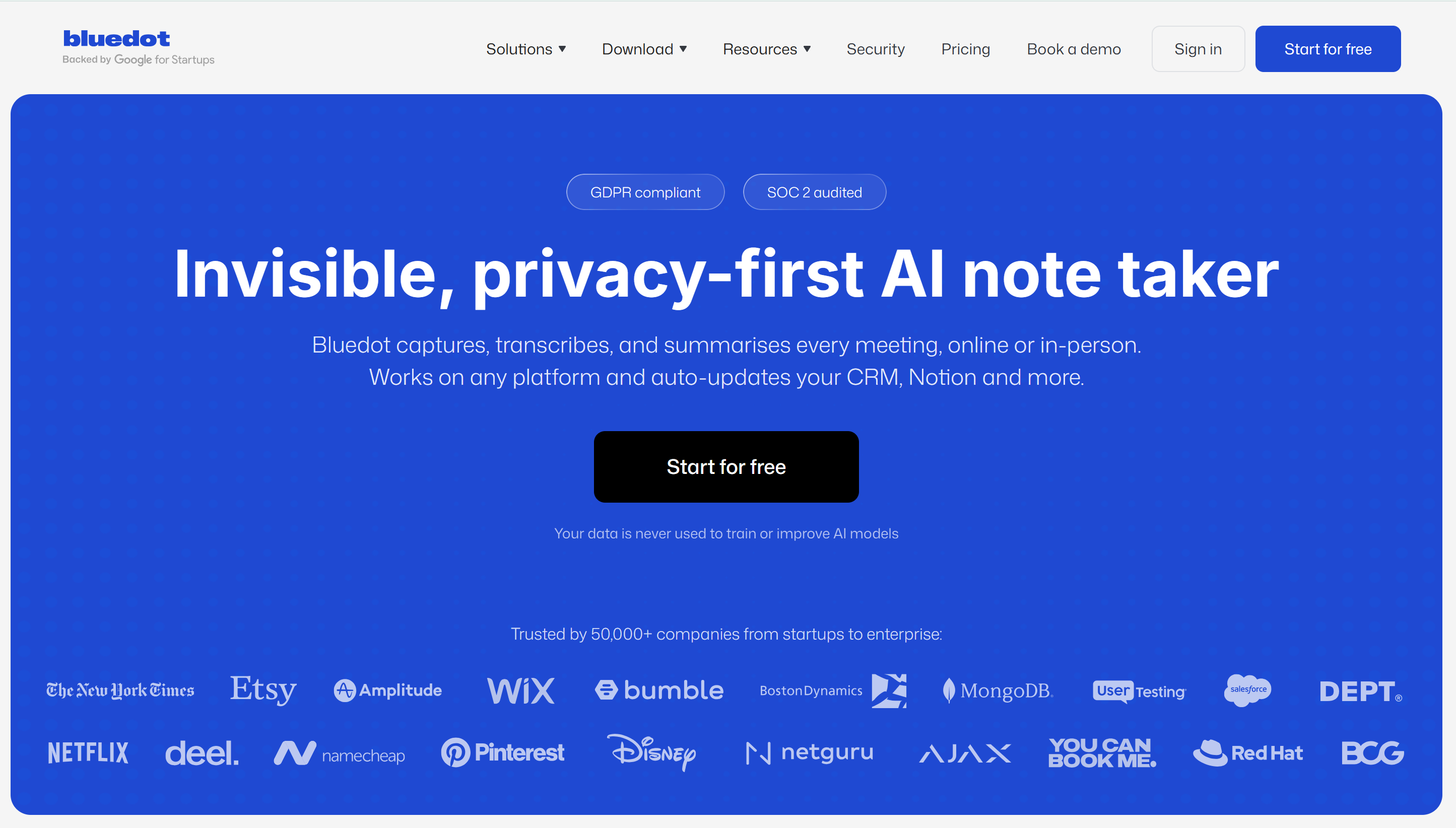
#1. Bluedot — best for bot-free meeting capture
#1. Bluedot — best for bot-free meeting capture
That makes it the best AI note taker for in-person meetings, since it does not depend on a meeting link at all.
What makes it particularly relevant here is its flexibility: meetings can be captured from a phone, Apple Watch or desktop, making it useful for both in-person meetings and online calls.
Once a conversation has been recorded, Bluedot can turn it into a transcript, AI meeting notes, summaries and action items. This makes it useful for managers, consultants, sales teams and employees who regularly move between face-to-face conversations and virtual meetings.
A good example would be a manager having a project discussion away from their desk. Rather than trying to take detailed notes while participating, they can record the conversation and review the AI-generated summary afterwards.
- Best for: Teams wanting flexible, bot-free meeting recording across physical and virtual conversations.
- Main drawback: The free plan is relatively limited, with five lifetime recordings, so regular business users will probably need a paid plan.
- Pricing: Free for five lifetime recordings, with paid plans starting from around $14 per user/month.
- Our verdict: Bluedot is one of the more practical choices if you want AI-powered meeting notes without changing how people naturally meet and talk.
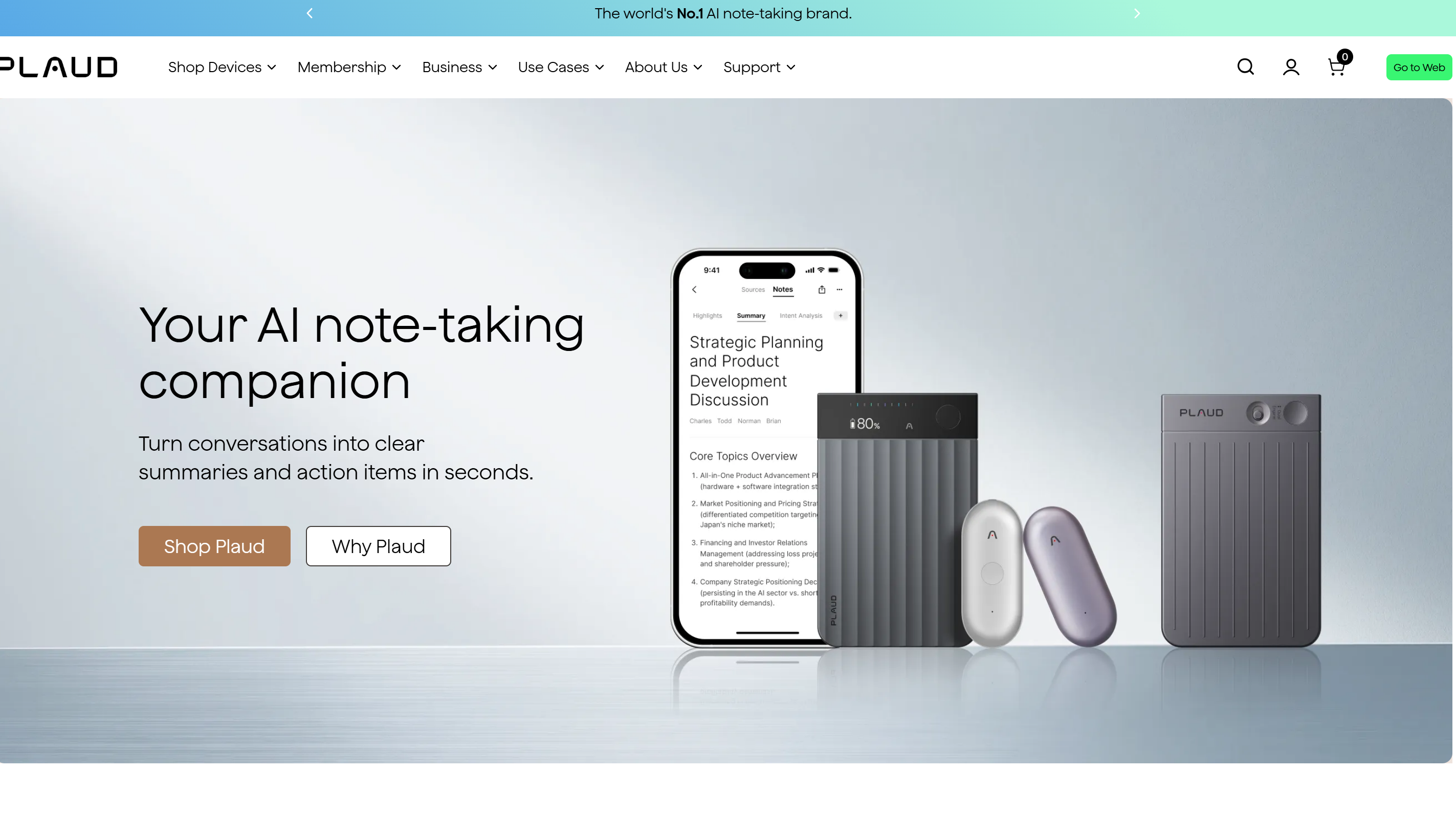
#2. Plaud — best for large rooms and conferences
#2. Plaud — best for large rooms and conferences
Plaud takes a different approach to most AI meeting tools because it's built around dedicated recording hardware rather than relying entirely on a browser or smartphone app.
That can be particularly useful for conference rooms, workshops, interviews, events and longer face-to-face meetings where reliable audio capture matters. Instead of opening a laptop and hoping its microphone catches everyone around the table, users have a dedicated device designed to capture conversations for later AI transcription and summarisation.
Plaud can then transform those recordings into transcripts, meeting summaries and structured notes, helping teams turn long conversations into information that's easier to review and share.
The trade-off is obvious: you have another physical device to buy, charge and remember to bring. For occasional meetings, that may be unnecessary. For someone who regularly attends conferences, interviews or important in-person sessions, dedicated hardware can make much more sense.
- Best for: Large rooms, conferences and professionals who regularly record face-to-face conversations.
- Main drawback: There's an upfront hardware cost, so it's less convenient for teams looking for a software-only solution.
- Pricing: Devices start at around $159, with 300 transcription minutes per month included and paid plans available from roughly $8 per month.
- Our verdict: Plaud is worth considering when in-person meeting recording is the priority and relying on a laptop microphone isn't good enough.
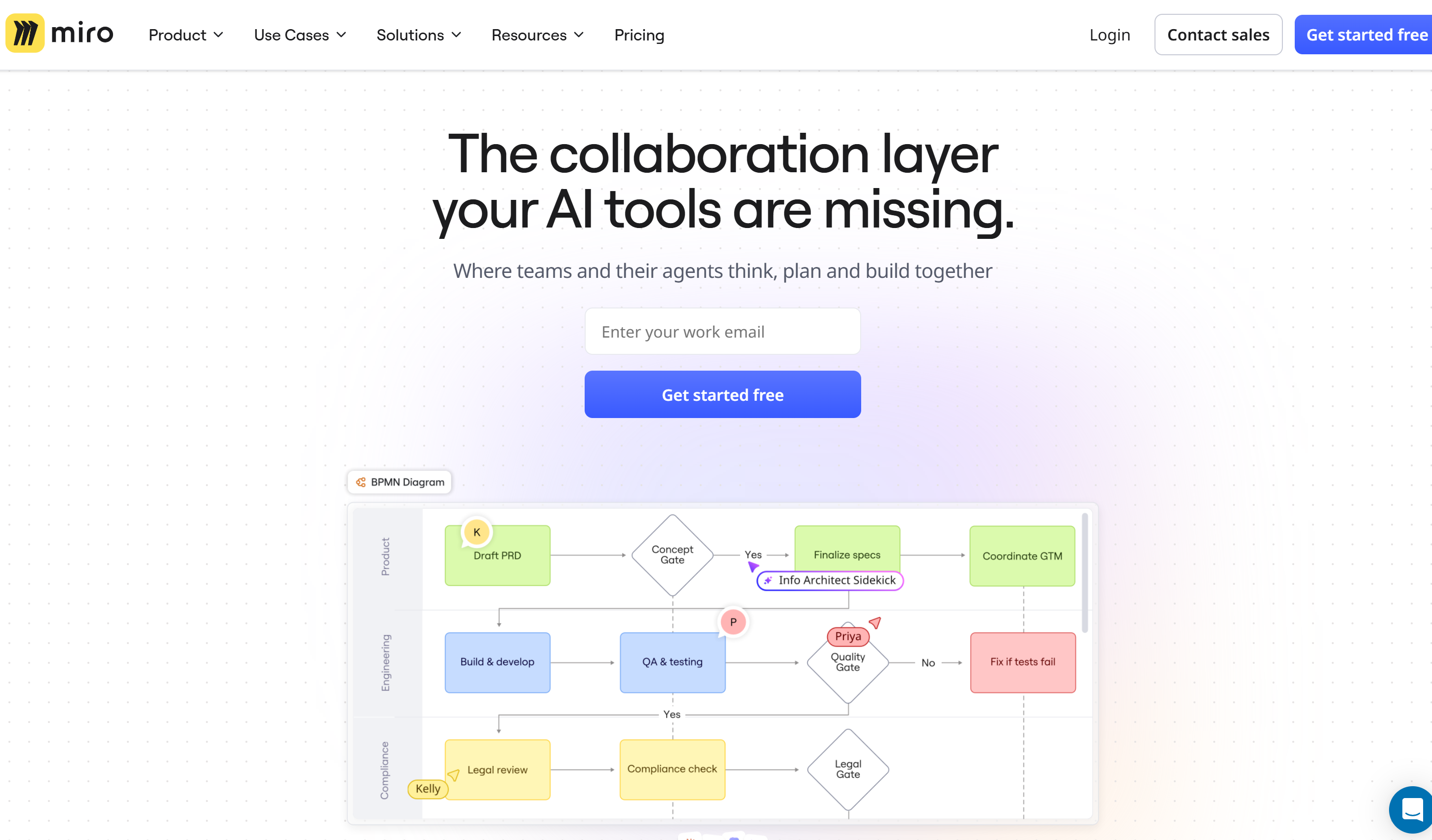
#3. Miro — best for interactive workshops
#3. Miro — best for interactive workshops
Miro earns its place on this list for a completely different reason. It's less about recording everything people say and more about capturing what teams create together during a workshop.
In-person workshops are often highly visual. People brainstorm ideas, create diagrams, group sticky notes, map customer journeys and gradually turn rough thoughts into a plan. A traditional AI meeting transcription tool may capture the conversation but miss much of this visual context.
Miro provides teams with a shared digital workspace where workshop activities can be captured and developed in real time. Its AI capabilities can also help organise ideas, summarise content, generate suggestions and accelerate activities such as brainstorming and planning.
Imagine running a product strategy workshop with ten people. Instead of ending up with a wall covered in sticky notes that somebody has to photograph and manually organise, the team can build the session inside a collaborative digital workspace that remains accessible afterwards.
- Best for: Brainstorming, strategy sessions, planning workshops and visual collaboration.
- Main drawback: Miro isn't primarily an AI meeting recorder, so teams needing full audio transcription may need to pair it with another tool.
- Pricing: A free plan includes three editable boards, with paid plans starting from around $8 per user/month.
- Our verdict: For workshops, capturing ideas can matter just as much as capturing words. That's where Miro stands apart from conventional AI note takers.
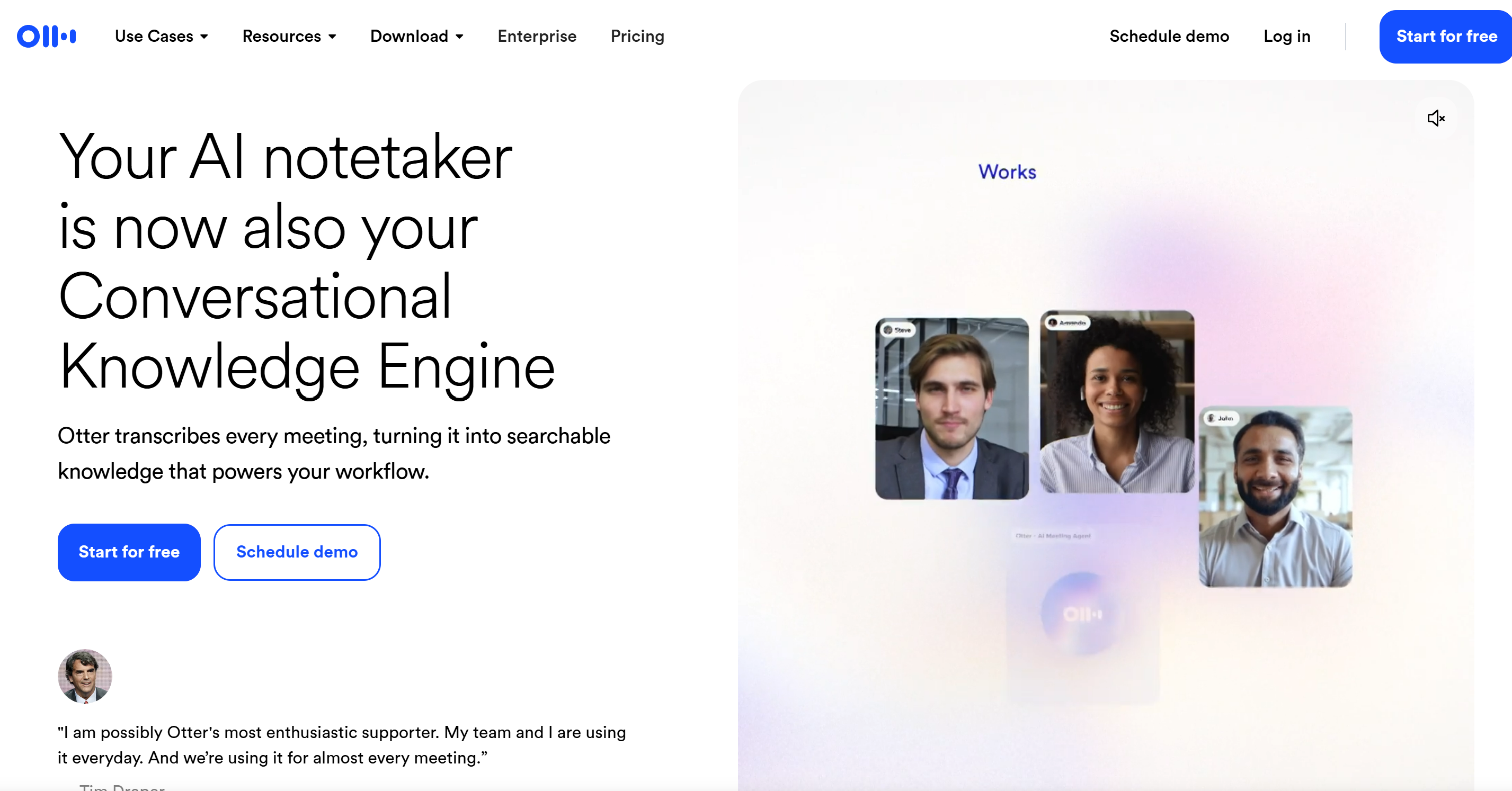
#4. Otter — best for live transcription
#4. Otter — best for live transcription
Otter is one of the better-known AI transcription tools, and its mobile app makes it particularly useful when someone wants to start capturing an in-person conversation without setting up dedicated hardware.
Open the app, begin recording and Otter can produce live meeting transcription while the conversation is taking place. It can also create summaries, identify speakers and pull out important information from the discussion.
That makes it useful for interviews, team meetings, lectures, planning sessions and other situations where seeing the transcript appear during the conversation is valuable.
Live transcription can also help someone quickly check whether an important point was captured rather than discovering missing information hours later.
However, the quality of any in-person AI transcription will still depend heavily on the environment. A quiet meeting room with participants sitting close to the phone is very different from a busy conference room with several people speaking simultaneously.
- Best for: Teams that want straightforward live transcription from a mobile device.
- Main drawback: Speaker identification and transcription accuracy can become less reliable in noisy rooms or when people talk over each other.
- Pricing: The free plan includes around 300 transcription minutes per month and three file imports, with paid plans starting from approximately $8.33 per user/month.
- Our verdict: Otter is a straightforward choice when real-time transcription and AI meeting notes matter more than advanced workshop functionality.
#5. Fireflies — best for teams mixing online and in-person meetings
#5. Fireflies — best for teams mixing online and in-person meetings
Fireflies makes the most sense for organisations where meetings don't happen in just one place.
A team might hold its Monday meeting on a video call, run Wednesday's planning session in the office and speak with a customer remotely on Friday. Using completely different systems to capture each conversation can quickly fragment the company's meeting knowledge.
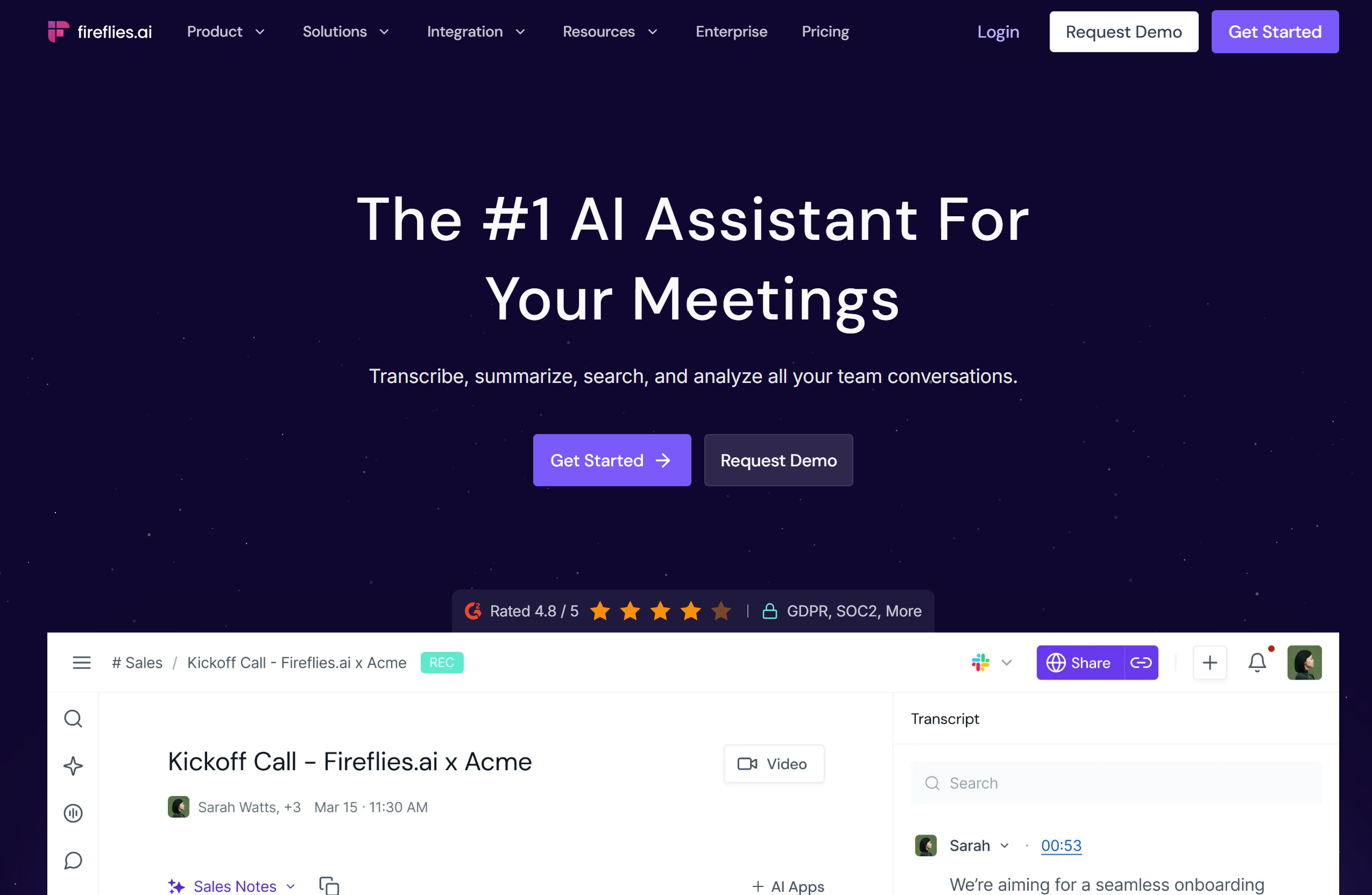
Fireflies supports this mixed environment by combining its established online meeting capabilities with mobile options for capturing in-person conversations. Meetings can be transcribed, summarised and analysed, while important topics and action items can be easier to revisit afterwards.
This makes it particularly relevant for hybrid teams, sales departments, managers and organisations where employees regularly switch between remote and face-to-face collaboration.
The main consideration is whether you actually need the broader ecosystem. If almost every meeting happens physically, a simpler mobile recorder or dedicated device may be more appropriate.
- Best for: Hybrid organisations that need AI meeting capture across online and in-person conversations.
- Main drawback: Some of its biggest advantages come from combining virtual and physical meeting workflows, so it may be more than an in-person-only team needs.
- Pricing: A free plan includes around 800 minutes of storage, with paid plans starting from approximately $10 per user/month.
- Our verdict: Fireflies is the strongest fit here for teams that don't want online meetings and in-person meeting notes living in completely separate workflows.
Which AI meeting tool should you choose?
Choosing the best AI tool for in-person meetings comes down to what you actually want to capture.
A team running brainstorming workshops has very different requirements from a consultant recording client conversations or a hybrid team moving between the office and video calls.
Here's the simplest way to narrow it down:
- Choose Bluedot if you want flexible, bot-free AI meeting notes across in-person and online conversations.
- Choose Plaud if reliable physical recording is the priority, particularly for conferences, interviews and larger meeting rooms.
- Choose Miro if you're running visual workshops, brainstorming sessions or collaborative planning exercises where ideas matter as much as the spoken conversation.
- Choose Otter if you mainly need live transcription, searchable meeting notes and quick summaries from face-to-face discussions.
- Choose Fireflies if your team regularly switches between online and in-person meetings and wants meeting transcripts, summaries and action items in a more consistent workflow.
There isn't one universally best AI meeting assistant. The right choice depends on whether your biggest problem is meeting transcription, recording quality, visual collaboration, automatic note-taking or managing knowledge across hybrid meetings.
Before paying for anything, test your preferred tool in a real meeting room. Background noise, room size, microphone placement and overlapping speakers can all affect AI transcription accuracy, so real-world performance matters just as much as the feature list.
Before recording your next workshop, think about this
Using an AI meeting recorder might make note-taking easier, but recording a room full of people also introduces questions around consent, privacy and how that information will be used.
Before using AI tools for in-person meetings, employees should know when a conversation is being recorded and why. This becomes particularly important during HR discussions, client meetings, strategy sessions or workshops involving commercially sensitive or personal information.
Businesses should consider a few basic safeguards:
- Get appropriate consent before recording participants.
- Avoid capturing confidential information unnecessarily.
- Understand where meeting recordings and transcripts are stored.
- Decide how long recordings and AI meeting notes should be retained.
- Restrict access to people who genuinely need the information.
- Review important AI-generated summaries before treating them as an official record.
That last point matters.
AI transcription and meeting summaries can make mistakes, including missing context or incorrectly attributing comments to a participant. Research into LLM-generated meeting recaps has similarly identified challenges around omissions and attribution.
AI should therefore support meeting documentation, not become the unquestioned source of truth.
For most organisations, the sensible approach is simple: tell people what's being recorded, protect the resulting data and keep a human involved when the meeting contains decisions that actually matter.
Final Thoughts
AI isn't replacing the conversations, ideas and human judgement that make a good meeting or workshop valuable.
Instead, AI tools for in-person meetings are helping remove much of the admin that happens around them — from taking notes and creating transcripts to summarising decisions and identifying action items.
The right tool depends on how your team works.
Bluedot offers flexible bot-free meeting capture, Plaud provides dedicated hardware for physical environments, Miro brings AI into visual workshops, Otter focuses on live transcription, while Fireflies can help teams manage meeting knowledge across both online and face-to-face conversations.
Whichever AI meeting assistant you choose, the goal should be the same: spend less time documenting conversations and more time participating in them.
Used thoughtfully, AI meeting notes, transcription and workshop tools can help ensure that good ideas don't disappear when the meeting ends — they become searchable, actionable knowledge that the wider team can actually use.
FAQs about AI tools for in-person meetings
What are the best AI tools for in-person meetings?
Some of the best AI tools for in-person meetings in 2026 include Bluedot, Plaud, Otter, Fireflies and Miro.
Bluedot is useful for bot-free recording, Plaud uses dedicated recording hardware, Otter focuses on live transcription, Fireflies suits hybrid teams, and Miro is particularly useful for visual workshops and brainstorming sessions.
Can AI take notes during an in-person meeting?
Yes. An AI note taker for in-person meetings can capture a face-to-face conversation through a smartphone, computer or dedicated recording device.
Depending on the tool, AI can then generate a transcript, meeting summary, key discussion points and action items, reducing the need for someone to manually document everything.
Can AI identify different speakers in a meeting room?
Some AI meeting transcription tools can identify and separate different speakers, but accuracy varies. Background noise, microphone position, room size, accents and people talking over each other can make speaker identification more difficult during physical meetings than online calls where participants have separate microphones.
For important meetings, speaker names and attributed comments should therefore be checked before relying on the AI-generated transcript as an official record.
What is the best AI tool for in-person workshops?
For highly visual workshops, Miro is one of the strongest options because it helps teams capture brainstorming, diagrams, sticky notes, planning exercises and collaborative ideas in a shared digital workspace.
If you also need a complete transcript of what people say during the workshop, it may make sense to combine a visual AI workshop tool such as Miro with an AI meeting recorder or transcription tool such as Bluedot, Plaud or Otter.
Is it legal to record an in-person meeting with AI?
Whether you can legally record an in-person meeting depends on where the participants are located, the type of conversation and applicable privacy and recording laws. Businesses shouldn't assume that simply having access to an AI meeting recorder means every conversation should be recorded.
Organisations should establish clear rules around participant consent, confidential information, data storage, access and retention. Employees should also know when AI is being used to record or transcribe a meeting and what will happen to that information afterwards.
AI Summary
- AI tools for in-person meetings can record face-to-face conversations, create transcripts, generate meeting summaries, identify action items, and reduce the amount of manual note-taking required after a session.
- Different AI meeting tools solve different problems. Bluedot focuses on flexible bot-free recording, Plaud uses dedicated recording hardware, Otter provides live transcription, and Fireflies supports teams working across online and in-person meetings.
- Miro takes a different approach by helping teams capture the visual side of workshops, including brainstorming, diagrams, sticky notes, planning exercises, and collaborative ideas that may not be represented properly in a traditional meeting transcript.
- In-person meeting transcription can be more challenging than online transcription because background noise, room acoustics, microphone placement, overlapping conversations, and multiple speakers can affect transcription accuracy and speaker identification.
- Businesses using AI meeting assistants should consider recording consent, employee privacy, confidential information, data storage, retention, access controls, and human review before treating AI-generated meeting notes as an official record.
- The best AI meeting tool depends on how your team works. The goal isn't to record every conversation, but to turn important meetings, workshops, decisions, and action items into useful, searchable knowledge that employees can revisit afterwards.
Most Popular Posts

Effective communication among team members is vital for the productivity and success of any organization. Surprisingly, 60% of companies lack a long-term internal communication strategy, which p...


Businesses thrive on communication for efficiency, productivity and accomplishment. When the right information is passed from the right designation in the organization, it promotes positivity an...

Categories
Blog
(3186)
Business Management
(393)
Employee Engagement
(235)
Digital Transformation
(216)
Growth
(150)
Intranets
(141)
Internal communications
(106)
Remote Work
(68)
Sales
(53)
Collaboration
(52)
Customer Experience
(32)
Culture
(30)
Knowledge Management
(29)
Project management
(29)
Leadership
(20)
Comparisons
(9)
News
(1)

Related Posts

The best ai image editors can save a team hours of repetitive work. A marketing manager can remove a distracting background, an HR team can improve a staff event photo, and an online shop can turn a basic product shot into something ready to pu...

Ever opened a PDF just before a meeting and realised you need to edit a page, pull figures from a scanned report, or gather everyone's comments? What should be a quick task can turn into a frustrating search for the right tool. That lost time a...

Looking for a New Job Remotely can feel like a simple next step: update your CV, turn on job alerts and start applying. In reality, the strongest remote job searches start much earlier. You need to be clear about the work you want, the kind of ...

Hiring globally is easier than employing globally Have you found the right person for a role, only to realise they live in a country where your business has no legal entity? That's where EOR international hiring can be useful. An Employer of Re...

Sales operations and planning are essential to harmonizing sales objectives with operational capabilities, ensuring seamless coordination between departments like sales, marketing, production, and finance. This alignment enables businesses to forecas...


Jill Romford
I am a digital nomad, lover of exploring new places and making friends.
I love to travel and I love the internet. I take pictures of my travels and share them on the internet using Instagram.
Traveler, entrepreneur, and community builder. I share my insights on digital marketing and social media while inspiring you to live your fullest life.
Ready to learn more? 👍
One platform to optimize, manage and track all of your teams. Your new digital workplace is a click away. 🚀
Free for 14 days, no credit card required.