
Insight Blog
Agility’s perspectives on transforming the employee's experience throughout remote transformation using connected enterprise tools.
25 minutes reading time
(5075 words)
All-in-One Collaboration Software vs Enterprise Platforms for Remote Teams in 2026

All-in-One Collaboration Software vs Enterprise Platforms for Remote Teams in 2026
All-in-one collaboration tools promise speed. Enterprise platforms promise control. This guide explains the real differences, costs, and trade-offs before you choose.
All-in-One Collaboration Software vs Enterprise Platforms for Remote Teams in 2026

Let's be honest: if your organisation is still relying on fragmented tools, email chains, and disconnected systems, you're already putting your workforce at a disadvantage.
Modern collaboration software isn't a "nice to have" anymore — it's core infrastructure for getting work done.
The data backs this up.
McKinsey reports that effective collaboration tools can increase employee productivity by 20–25%, while Gartner estimates that over 70% of teams now depend on digital collaboration platforms to function day to day.
At the same time, poor collaboration costs businesses an average of $12,500 per employee per year in lost productivity due to duplicated work, miscommunication, and slow decision-making.
That's why organisations are investing heavily in enterprise collaboration tools — platforms designed to centralise communication, streamline workflows, and keep teams aligned whether they're remote, hybrid, or office-based.
When implemented properly, these tools reduce friction, speed up execution, and give employees clarity on what matters and who's responsible.
In this article, we'll cut through the noise and look at collaboration software from an enterprise perspective.
We'll break down what these platforms actually do, why they've become critical to modern operations, and how to choose the right solution without over-engineering your tech stack.
We'll also cover practical best practices for adoption — because even the most powerful platform fails if people don't use it.
If you want collaboration to drive results instead of creating complexity, this is where to start.
● Key Takeaways: All-in-One Collaboration Software vs Enterprise Platforms
- All-in-one collaboration software prioritises usability and adoption, which is why teams actually use it day to day.
- Enterprise collaboration platforms are built for governance and compliance, but often introduce friction that slows execution.
- The real difference isn’t features—it’s whether collaboration is driven by choice (adoption) or policy (enforcement).
- Most organisations don’t fail due to lack of tools, but because their collaboration platform doesn’t match how they operate.
- Security gaps between modern platforms have narrowed; usability and behaviour now determine real risk.
- The true cost of collaboration software is long-term overhead, not licence price.
Read this article: : Top 6 AI-Powered Project Management Tools To Use In 2023
Why This Comparison Even Matters
Most teams don't struggle because they lack tools.
They struggle because they chose the wrong type of collaboration software for how their organisation actually works.
On paper, many platforms look similar. They all promise better communication, smoother workflows, and higher productivity. But underneath the marketing, they're built for very different realities.
Some tools are designed to move fast and keep teams aligned with minimal friction. Others are designed to maximise control, governance, and standardisation — often at the expense of speed and adoption.
This gap is where things go wrong.
According to industry research, over 60% of digital workplace initiatives underperform, not because the technology is weak, but because the platform doesn't match the organisation's size, structure, or way of working.
Teams either feel constrained by rigid enterprise systems or overwhelmed by tools that can't scale as complexity grows.
That's why the comparison between all-in-one collaboration tools and enterprise collaboration platforms matters so much.
They solve different problems, optimise for different priorities, and deliver very different outcomes once real users get involved.
Get this decision right, and collaboration becomes a competitive advantage.
Get it wrong, and you end up with low adoption, shadow IT, and frustrated teams working around the very tools meant to help them.
What Is All-in-One Collaboration Software (and Why It Matters Strategically)
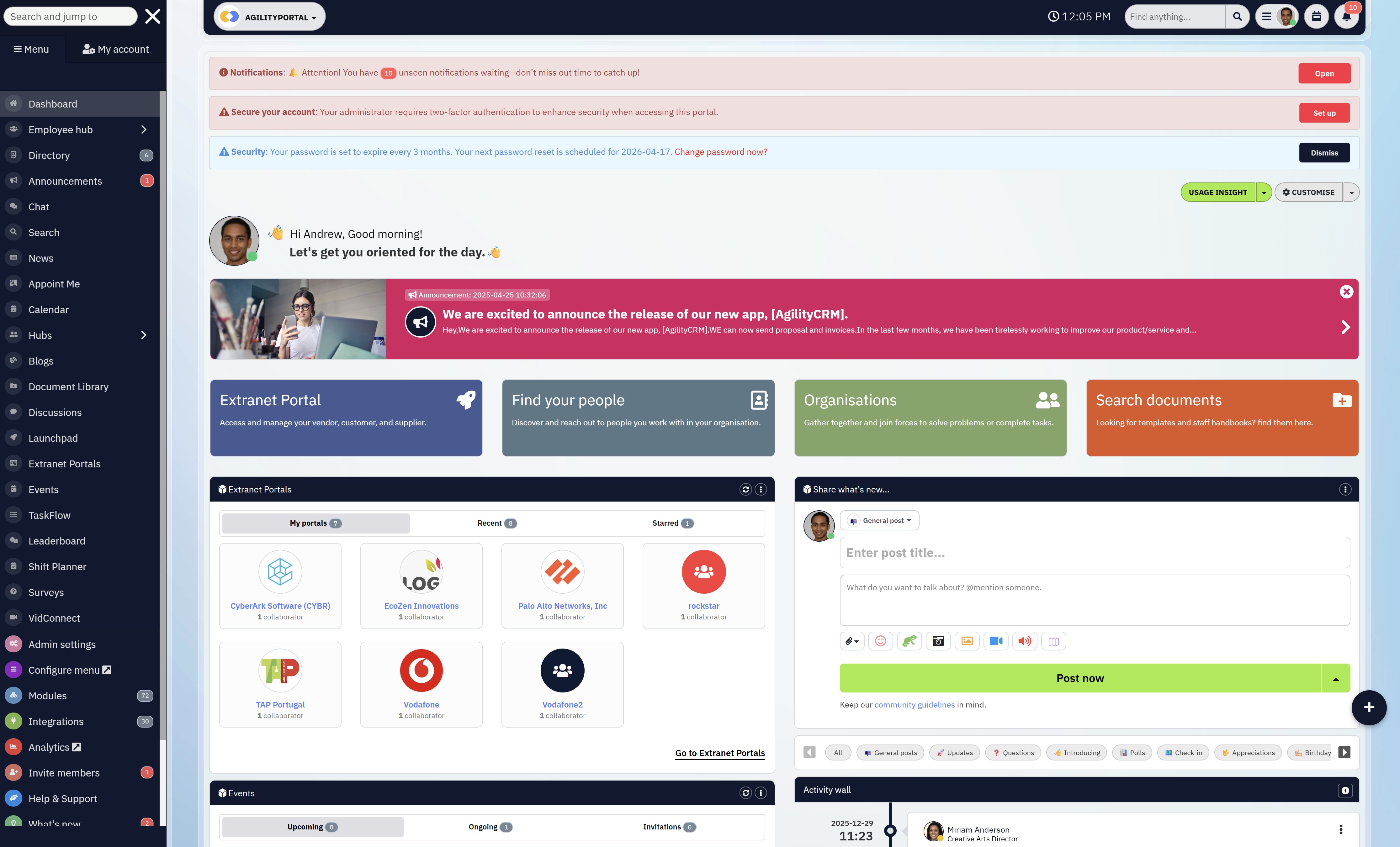
What Is All-in-One Collaboration Software
All-in-one collaboration software brings the core tools teams rely on every day into a single, unified experience.
Instead of jumping between disconnected apps, everything people need to communicate and get work done lives in one place:
- Chat and team discussions
- File sharing and document access
- Tasks and lightweight project tracking
- Calendars and shared timelines
- Internal updates and announcements
- Essential third-party integrations
At a surface level, this looks like convenience. Strategically, it's much more than that.
The real objective of all-in-one collaboration software is to eliminate tool sprawl, which is one of the biggest silent productivity killers in modern organisations.
When teams are forced to stitch together chat apps, file drives, task tools, and email threads, work slows down, accountability blurs, and context gets lost. Decisions take longer, onboarding drags, and employees create their own "shadow workflows" just to cope.
All-in-one platforms are designed to do the opposite.
They reduce friction, shorten feedback loops, and help teams move faster without constant coordination overhead. By prioritising usability and adoption over complexity, they make collaboration feel natural instead of forced.
This is why platforms like Slack, Notion, and ClickUp are so commonly evaluated. They're built around how people actually work day to day — not how systems want them to work.
From a leadership perspective, the importance is clear:
tools that are easy to use get used. And tools that get used drive alignment, speed, and execution.
All-in-one collaboration software is best suited for organisations that value momentum and clarity,
- SMBs and mid-market companies scaling operations
- Hybrid and remote teams that need shared context
- Frontline and non-desk workers who won't tolerate complexity
- Organisations exhausted by duct-taped tools and low adoption
In short, this category isn't about having fewer tools. It's about creating a collaboration foundation that actually supports growth instead of slowing it down.
What Is an Enterprise Collaboration Platform (and Why Organisations Choose Them)

What Is an Enterprise Collaboration Platform (and Why Organisations Choose Them)
Enterprise collaboration platforms are built with a very specific priority order: scale, governance, and compliance come first — user experience comes second. That's not a flaw; it's a deliberate design choice aimed at organisations where control matters more than speed.
These platforms are designed to support thousands (sometimes hundreds of thousands) of users while enforcing strict rules around data access, security, and information lifecycle management.
They assume complexity as a baseline and are engineered to manage it.
At their core, enterprise collaboration platforms focus on:
- Deep security and compliance frameworks to meet regulatory standards such as data residency, retention, auditing, and legal hold
- Granular permissions and role-based access control, often down to document, folder, or field level
- Strong governance models, ensuring content ownership, approval workflows, and accountability are enforced
- Heavy IT ownership, where configuration, maintenance, and optimisation sit firmly with internal IT teams
- Large-scale document and knowledge management, prioritising consistency and control over flexibility
This makes them extremely powerful in the right context — but also demanding.
Platforms such as Microsoft SharePoint, Microsoft Teams, and IBM Connections are common choices for organisations that need tight integration with existing enterprise systems and cannot compromise on governance.
Strategically, the value of enterprise collaboration platforms lies in risk reduction. They help organisations minimise compliance exposure, standardise how information flows, and maintain oversight as operations scale.
For regulated industries, that oversight isn't optional — it's business-critical.
However, that same strength often creates trade-offs. The complexity required to maintain control can slow down decision-making, increase training overhead, and reduce day-to-day adoption.
When collaboration tools feel restrictive, teams tend to work around them, relying on email, consumer apps, or unofficial processes — undermining the very governance the platform was meant to protect.
That's why enterprise collaboration platforms are best suited for:
- Large enterprises with strict compliance and regulatory requirements
- Government bodies and heavily regulated industries such as finance, healthcare, and utilities
- Organisations with strong internal IT capacity to manage configuration, governance, and ongoing optimisation
In short, enterprise collaboration platforms excel at maintaining order at scale.
The strategic question isn't whether they're powerful — it's whether your organisation needs that level of control, and whether it's prepared to absorb the operational overhead that comes with it.
The Real Difference (Not the Marketing Version)
Most vendors blur the lines on purpose.
They talk about "flexibility," "enterprise-grade," and "scalable collaboration" as if all platforms deliver the same outcome.
They don't. The real differences only show up after rollout, when real people start using the system.
This isn't a feature comparison. It's a strategic trade-off.
Speed vs Control
All-in-one collaboration tools are built for momentum. They prioritise quick setup, intuitive workflows, and minimal friction so teams can start collaborating immediately.
Enterprise platforms, on the other hand, are built for control. They optimise for governance, auditability, and consistency — even if that slows things down.
If speed of execution is a competitive advantage for your business, this difference matters more than any checklist of features.
Adoption vs Enforcement
All-in-one collaboration software only works if people choose to use it — and that's by design.
These platforms succeed because they feel natural, reduce effort, and fit into daily work without forcing behaviour.
Enterprise platforms succeed when usage is mandated. Policies, permissions, and organisational rules drive adoption, not user preference.
This is where many organisations stumble: enforced usage may look successful on paper, but low engagement often means collaboration happens elsewhere, outside the system.
Flexibility vs Rigidity
All-in-one tools adapt to how teams actually work.
They evolve with changing workflows, team structures, and priorities.
Enterprise platforms expect teams to adapt to the system.
Processes are standardised, workflows are predefined, and deviation is discouraged in the name of consistency.
That rigidity can be an advantage in highly regulated environments — and a liability everywhere else.
Side-by-Side Reality Check
| Dimension | All-in-One Collaboration Software | Enterprise Collaboration Platforms |
| Primary goal | Enable fast, frictionless collaboration | Enforce governance and control |
| Time to value | Days or weeks | Months (sometimes longer) |
| User adoption | Voluntary, driven by usability | Mandatory, driven by policy |
| Flexibility | High – adapts to teams | Low – teams adapt to platform |
| IT involvement | Light to moderate | Heavy and ongoing |
| Change tolerance | Designed for evolving workflows | Designed for stability and standardisation |
| Risk profile | Optimised for productivity and speed | Optimised for compliance and oversight |
Why This Difference Is Business-Critical

Why This Difference Is Business-Critical
Choosing between these categories isn't about "better" software.
It's about what you are optimising for:
- Speed or control
- Adoption or enforcement
- Flexibility or standardisation
Most organisations don't fail because they picked a weak platform.
They fail because they picked a platform optimised for a different operating reality than their own.
Understand this distinction clearly, and your collaboration strategy starts working for you instead of against you.
Read this article: : Top 6 AI-Powered Project Management Tools To Use In 2023
Cost Isn't Just Pricing — It's Overhead
Most buying decisions focus too heavily on licence fees. That's a mistake.
Enterprise collaboration platforms rarely fail because they're too expensive to buy.
They fail because they're expensive to live with.
The real cost shows up after the contract is signed.
Enterprise platforms carry significant operational drag, including:
- Long implementation cycles that delay time-to-value and stall momentum
- Ongoing IT dependency, where every change, permission update, or workflow tweak needs technical involvement
- Training overhead, often requiring formal onboarding sessions and documentation just to achieve baseline usage
- Low user adoption, which quietly erodes ROI while teams fall back to email, chat apps, or unofficial tools
Individually, these issues seem manageable.
Together, they slow execution, increase internal friction, and turn collaboration into a governance exercise instead of a productivity driver.
All-in-one collaboration tools approach cost from a different angle.
They're designed to minimise overhead from day one:
- Faster deployment, often measured in days rather than months
- Lower training requirements, because the interface is intuitive and role-agnostic
- Earlier ROI, driven by actual daily usage rather than theoretical capability
This is where many organisations get it wrong. A higher licence price doesn't automatically mean higher value — and a lower price doesn't mean weaker software.
In practice, leaner platforms often outperform heavier ones simply because people use them. And software that gets used pays for itself far faster than software that looks impressive but creates drag.
The strategic takeaway is simple:
Don't evaluate collaboration software based on what it costs to buy.
Evaluate it based on what it costs your organisation to run, support, and adopt at scale.
Security & Compliance: The Biggest Myth
Here's the uncomfortable truth most vendors won't say out loud: security is no longer the deciding factor it used to be.
There's a persistent belief that only large enterprise collaboration platforms can deliver "real" security, while all-in-one collaboration software is somehow lightweight or risky.
That assumption is outdated. Modern collaboration software is built with security as a baseline, not an add-on.
Today's leading all-in-one collaboration tools commonly include:
- End-to-end encryption for data in transit and at rest
- Role-based access control and permission management
- Audit logs and activity tracking
- Secure authentication (SSO, MFA, identity provider integration)
- Compliance alignment with standards like GDPR, ISO 27001, and SOC 2
In other words, the security gap has largely closed.
What hasn't closed is the friction gap.
Enterprise platforms often achieve compliance by adding layers of process, approvals, and restrictions.
While this reduces risk on paper, it frequently introduces operational slowdown, user frustration, and workarounds that actually increase risk. When collaboration tools are hard to use, employees bypass them — sharing files over email, consumer chat apps, or personal cloud storage.
That's where the real danger lies.
Modern all-in-one collaboration software takes a different approach: secure by design, usable by default. Instead of forcing teams to trade productivity for protection, these platforms aim to deliver secure collaboration without adding unnecessary complexity.
The result is higher adoption, clearer visibility, and fewer shadow IT risks.
The strategic question is no longer "Is this collaboration software secure enough?"
For most organisations, it already is.
The real question is:
How much friction are you willing to tolerate to achieve that security — and what does that friction cost your business every day?
Security that slows collaboration isn't safer.
Security that people actually use is.
Where All-in-One Collaboration Software Wins
All-in-one collaboration software doesn't win by trying to be everything to everyone.
It wins by doing the fundamentals exceptionally well — and that's exactly where most organisations see the biggest gains.
Faster Rollout (Time-to-Value Actually Matters)
All-in-one collaboration tools are designed to minimise setup friction.
Implementation is typically measured in days or weeks, not quarters. That speed isn't just convenient — it's strategic. The faster teams start collaborating in one system, the faster the organisation sees returns.
Enterprise platforms often stall here. Long configuration cycles, dependency on IT resources, and over-customisation can kill momentum before adoption even begins. By the time the platform is "ready," enthusiasm is gone.
Why this matters:
- Faster rollout shortens time-to-value
- Fewer dependencies reduce implementation risk
- Momentum stays high during early adoption
- Teams begin collaborating before resistance sets in
Higher Daily Active Usage (Adoption You Don't Have to Enforce)
All-in-one collaboration software succeeds because it fits naturally into how people already work.
Chat, files, tasks, and updates live in one place, reducing friction and context switching. As a result, usage becomes habitual rather than forced.
Enterprise platforms often rely on mandates, policies, or leadership pressure to drive usage. That may inflate login numbers, but it doesn't guarantee meaningful engagement.
High daily active usage is not a vanity metric — it's a proxy for trust and usefulness.
Why this matters:
- Higher engagement means better ROI
- Collaboration becomes part of daily workflow
- Less reliance on enforcement and policies
- Reduced shadow IT and workaround behaviour
Better Frontline and Non-Desk Adoption
Frontline and operational teams operate under very different conditions than office-based staff.
They're mobile, time-constrained, and task-focused. If a tool requires training, documentation, or complex navigation, it simply won't be used.
All-in-one collaboration software is typically mobile-first, intuitive, and lightweight. That makes it far more effective for frontline, field, and non-desk workers — the very groups most enterprise tools struggle to serve.
Why this matters:
- Frontline teams adopt tools without formal training
- Mobile access supports real working conditions
- Communication reaches the entire workforce
- Engagement improves beyond headquarters
Lower Tool Sprawl (Less Chaos, More Focus)
When conversations, files, and decisions live together, communication becomes more precise.
Teams don't have to search across email threads, chat tools, and file drives to understand what's happening or why a decision was made.
This clarity compounds as organisations grow. What works for 20 people becomes essential at 200.
Why this matters:
- Faster decision-making
- Less duplicated or missed work
- Stronger alignment across teams
- Institutional knowledge stays accessible
For most organisations — especially those scaling, operating in hybrid environments, or supporting frontline teams — simplicity beats complexity every time.
Software that people want to use will always outperform software they're forced to use.
And in collaboration, usage is everything.
Tool sprawl is one of the biggest hidden drains on productivity.
When teams rely on separate apps for chat, files, tasks, and updates, work becomes fragmented. Context gets lost, accountability blurs, and employees waste time switching between systems.
All-in-one collaboration tools consolidate these functions into a single platform, creating a shared source of truth. This simplification alone can unlock measurable productivity gains.
Why this matters:
- Fewer tools reduce cognitive load
- Less context switching improves focus
- Clear ownership of conversations and content
- Lower software and admin overhead
Clearer, Faster Communication (Context Stops Getting Lost)
When Enterprise Collaboration Platforms Still Make Sense
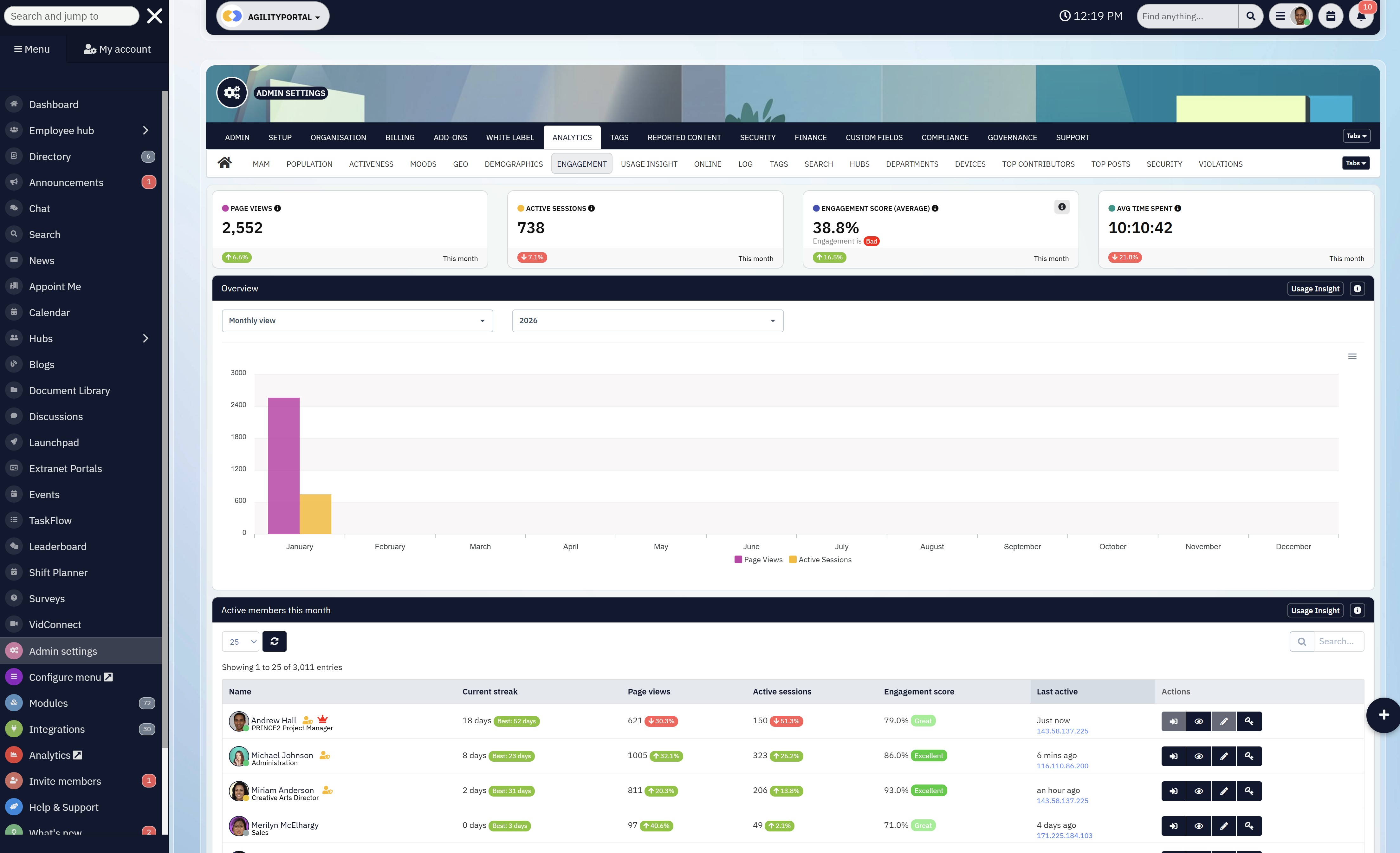
When Enterprise Collaboration Platforms Still Make Sense
Let's be clear — enterprise collaboration platforms aren't "bad software."
They're just very specific tools for very specific situations. When they're used outside those conditions, they quickly become heavy, slow, and over-engineered.
Used in the right context, though, they can be the right strategic choice.
Strict Regulatory and Compliance Requirements
If your organisation operates under non-negotiable regulatory mandates, enterprise platforms often make sense.
Industries such as financial services, government, healthcare, and utilities may require advanced data retention policies, legal hold, audit trails, and jurisdiction-specific data controls.
In these environments, collaboration isn't just about productivity — it's about risk containment. Enterprise platforms are designed to prioritise compliance even when it adds friction.
Why this matters:
- Regulatory failure carries legal and financial risk
- Auditing and traceability are mandatory, not optional
- Data governance must be enforced, not encouraged
- Compliance requirements override usability concerns
Deeply Customised, Complex Workflows
Some organisations genuinely need highly tailored workflows that reflect complex internal processes built up over years.
Enterprise platforms allow for extensive configuration, approval chains, document lifecycles, and system integrations that go far beyond standard collaboration use cases.
The trade-off is speed and simplicity — but for certain organisations, that's acceptable.
Why this matters:
- Custom workflows mirror established operational models
- Standardisation reduces variation at scale
- Complex approval structures are enforceable
- Process consistency outweighs flexibility
Full Commitment to a Single Vendor Ecosystem
If your organisation already lives entirely inside a single vendor ecosystem — and has no intention of changing — enterprise platforms can slot in naturally. Identity management, document storage, communication, and security policies are all unified under one umbrella.
In these cases, the collaboration platform isn't a standalone tool. It's part of a broader infrastructure strategy.
Why this matters:
- Fewer integration gaps across systems
- Centralised identity and access management
- Simplified vendor governance and procurement
- Easier enforcement of organisation-wide policies
The Strategic Warning Most Teams Ignore
Here's the part many organisations don't want to hear:
If you don't operate under strict regulation,
don't need deeply customised workflows, and
aren't fully committed to a single vendor ecosystem
…then you're likely over-engineering your collaboration stack.
Over-engineering shows up as:
- Low adoption
- Slow decision-making
- Shadow IT and workarounds
- High operational overhead
Enterprise platforms make sense when control is the priority.
They become a liability when momentum, adoption, and speed matter more.
The smartest collaboration strategies aren't about choosing the most powerful platform — they're about choosing the right level of complexity for how your organisation actually works.
The Smarter Middle Ground (What Teams Are Actually Choosing)
Most organisations eventually realise something uncomfortable:
pure all-in-one tools don't scale forever, and pure enterprise platforms slow teams down too early.
That's why the market is shifting toward a middle ground — modern digital workplace platforms.
These platforms aren't trying to replace everything overnight or lock teams into rigid enterprise frameworks. Instead, they combine the parts that actually work from both sides of the spectrum.
They deliver the usability and speed people expect from all-in-one collaboration software, while quietly adding the governance, security, and structure leadership needs as the organisation grows.
In practice, this means teams get a system that feels lightweight on the surface but is capable underneath. Collaboration stays fast. Adoption stays high. And complexity is introduced only when it's genuinely needed — not on day one.
This approach avoids the two extremes that derail most collaboration strategies:
- Chaos, where tools sprawl and nothing scales
- Bureaucracy, where collaboration slows under layers of control
Instead of forcing a choice between speed and structure, modern digital workplace platforms let organisations grow into governance, rather than being buried by it upfront.
Why teams are choosing this middle ground:
- Usability first, so adoption happens naturally
- Enterprise-grade security without enterprise-grade friction
- Modular scalability that grows with the organisation
- Governance applied where it adds value, not everywhere
Strategically, this is the most sustainable option for organisations that expect to evolve. It keeps collaboration effective today, while ensuring the platform won't need replacing tomorrow.
In short, teams aren't choosing simpler tools or bigger platforms anymore.
They're choosing smarter foundations that balance momentum with control.
Final Verdict: Pick the Tool Your Team Will Actually Use
Here's the bottom line — and it's not negotiable.
If collaboration software doesn't get used, nothing else matters.
Not the feature list. Not the security certifications. Not the vendor's reputation.
Unused software delivers zero value.
All-in-one collaboration tools consistently win where real work happens. They prioritise adoption first, which is the single most important success factor for any collaboration strategy.
When tools are intuitive and friction-free, teams don't need to be pushed — they participate naturally.
All-in-one collaboration tools win on:
- Adoption – people choose to use them
- Speed – faster decisions, faster execution
- Clarity – conversations, files, and actions stay connected
- ROI – value shows up early because usage is real
Enterprise platforms win in a different arena. They're built for organisations where control outweighs convenience, and where collaboration is as much about risk management as it is about productivity.
Enterprise platforms win on:
- Control – strict governance and permissions
- Compliance – regulatory and audit requirements
- Structure – standardisation at scale
But here's the reality most organisations need to confront:
Most teams don't need maximum control.
They need maximum participation.
Collaboration breaks down not when systems are too simple, but when they're too heavy to use. The smartest choice isn't the most powerful platform on paper — it's the one your people will actually rely on every day.
Because in collaboration, usage is the strategy.
Frequently Asked Questions (FAQ)
What is collaboration software and why do businesses need it?
Collaboration software brings communication, document sharing, task management, and coordination into one system. Businesses use it to reduce email overload, avoid duplicated work, and help teams collaborate effectively across departments, locations, and time zones.
What's the difference between collaboration software and team collaboration tools?
The terms are often used interchangeably, but there's a nuance. Team collaboration tools usually focus on day-to-day teamwork (chat, tasks, whiteboards), while broader collaboration software or a collaboration platform may also include governance, analytics, document collaboration, and cross-team workflows.
Are all-in-one collaboration tools better than enterprise platforms?
It depends on how your organisation works. All-in-one collaboration tools prioritise usability, fast adoption, and flexibility. Enterprise platforms prioritise governance and compliance. Most organisations struggle not because tools lack features, but because the platform doesn't match their size or working style.
What are the most important collaboration tools for remote teams?
For remote teams, the most important collaboration tools for business typically include:
- Team chat and communication
- Document sharing platforms
- Task management tools
- Online collaboration tools like whiteboards or shared workspaces
- Shared calendars for scheduling
The key is reducing context switching, not adding more apps.
How do task management tools fit into collaboration software?
Task management tools help teams assign ownership, track progress, and avoid work slipping through the cracks. When task management is built into collaboration software, teams spend less time coordinating and more time executing.
What is a virtual whiteboard and when should teams use one?
A virtual whiteboard (also called a collaborative whiteboard or online collaborative whiteboard) is used for brainstorming, planning, workshops, and visual collaboration. Teams use shared whiteboards during meetings, strategy sessions, and cross-team collaboration where ideas need to be visual.
Are online whiteboards the same as whiteboards in Microsoft Teams?
Not exactly. Whiteboards in Teams are integrated into the Microsoft ecosystem, while standalone online whiteboard tools (like shared whiteboards or whiteboard applications) are often more flexible and work across different collaboration platforms.
What should businesses look for in document sharing platforms?
Strong document sharing platforms should support version control, permissions, document collaboration, and easy access. The goal of online document sharing isn't just storage — it's keeping files connected to conversations, decisions, and tasks.
Is free collaboration software good enough for business use?
Free collaboration tools can work for small teams, early-stage startups, or simple use cases. However, most organisations eventually outgrow free tools due to limitations around security, governance, integrations, or scaling team collaboration.
How does cloud-based collaboration improve productivity?
Cloud based collaboration allows teams to work together in real time, access documents from anywhere, and collaborate without relying on local systems. This flexibility is especially important for hybrid and remote teams.
Why do so many digital workplace initiatives fail?
Industry research shows over 60% of initiatives underperform because the collaboration solution doesn't align with how teams actually work. The issue is rarely technology — it's poor adoption caused by complexity, rigidity, or tool overload.
What are collaborative workspaces?
Collaborative workspaces bring communication, document collaboration, task tracking, and shared context into one environment. Instead of jumping between apps, teams collaborate in a single space that reflects how work actually flows.
How do businesses choose the best collaboration software?
The best collaboration software isn't the one with the most features. It's the one your team will actually use. Businesses should evaluate collaboration apps based on adoption, usability, flexibility, and long-term overhead — not just price or brand.
Can collaboration software replace multiple tools?
Yes. The goal of modern collaboration apps and collaboration solutions is to reduce tool sprawl by combining chat, document sharing, task management, calendars, and collaboration tools into a single platform.
Most Popular Posts

Effective communication among team members is vital for the productivity and success of any organization. Surprisingly, 60% of companies lack a long-term internal communication strategy, which p...


Businesses thrive on communication for efficiency, productivity and accomplishment. When the right information is passed from the right designation in the organization, it promotes positivity an...

Categories
Blog
(3248)
Business Management
(399)
Employee Engagement
(237)
Digital Transformation
(224)
Growth
(151)
Intranets
(142)
Internal communications
(110)
Remote Work
(68)
Sales
(53)
Collaboration
(53)
Customer Experience
(33)
Culture
(30)
Project management
(30)
Knowledge Management
(29)
Leadership
(20)
Comparisons
(9)
News
(1)

Related Posts

Searching for "communal work spaces near me" but unsure which option will actually suit your growing business? By the end of this guide, you'll know how to compare offices to rent, spot extra costs and ask the right questions before committing....

Do you know what happens to your information after you share it with an AI assistant? That question sits at the heart of AI privacy—and it's easy to overlook when you're trying to finish a task. You paste in a customer email, upload a spr...

What would happen if your website moved successfully, but your customers and employees suddenly couldn't reach you by email? Email migration tools can help transfer your messages, but keeping business communication running takes more than copyi...

Does your team still message HR to ask where the holiday policy is? Employee self service should make everyday tasks easier, giving people a straightforward way to find answers, access documents and submit requests. But when policies are buried...

How quickly can a new partner go from signing an agreement to confidently working with your business? If the answer involves chasing documents, forwarding training links and answering the same questions repeatedly, your onboarding process may n...


Jill Romford
I am a digital nomad, lover of exploring new places and making friends.
I love to travel and I love the internet. I take pictures of my travels and share them on the internet using Instagram.
Traveler, entrepreneur, and community builder. I share my insights on digital marketing and social media while inspiring you to live your fullest life.
Ready to learn more? 👍
One platform to optimize, manage and track all of your teams. Your new digital workplace is a click away. 🚀
Free for 14 days, no credit card required.